



Price: $399.99 - $258.99
(as of Jan 17, 2026 19:31:33 UTC – Details)
Product description

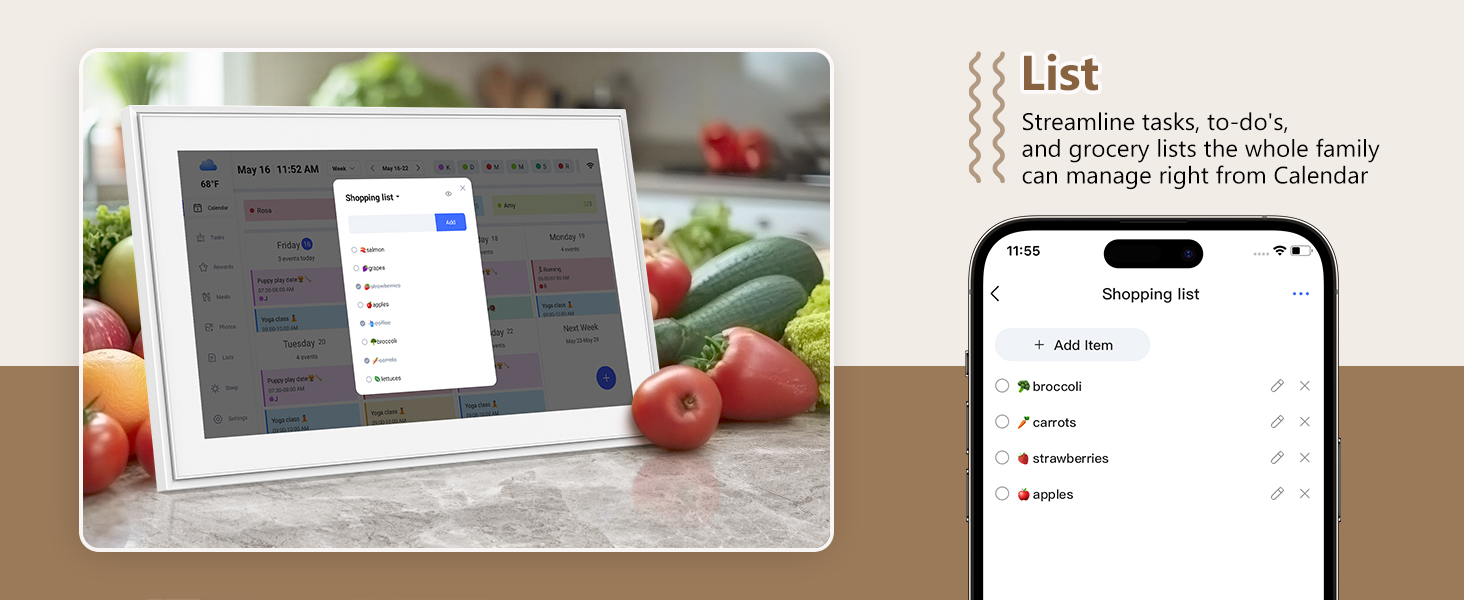
 Personalize List -Color Code/Tag Names

 Easy to Sync-On The Same Page
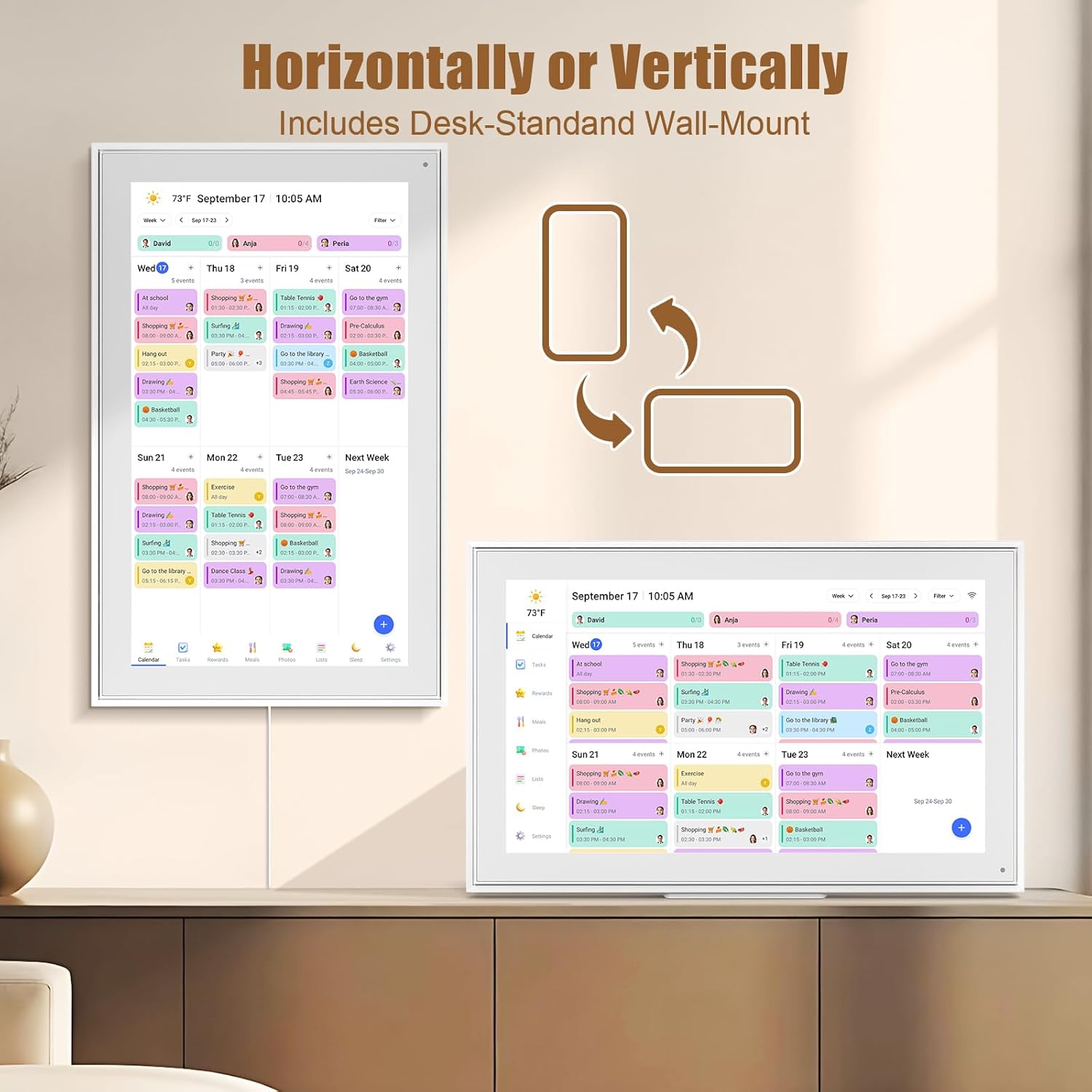
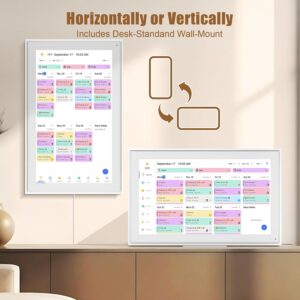
  Mount- Horizontally/Vertically
1 Customize Alarm Reminder
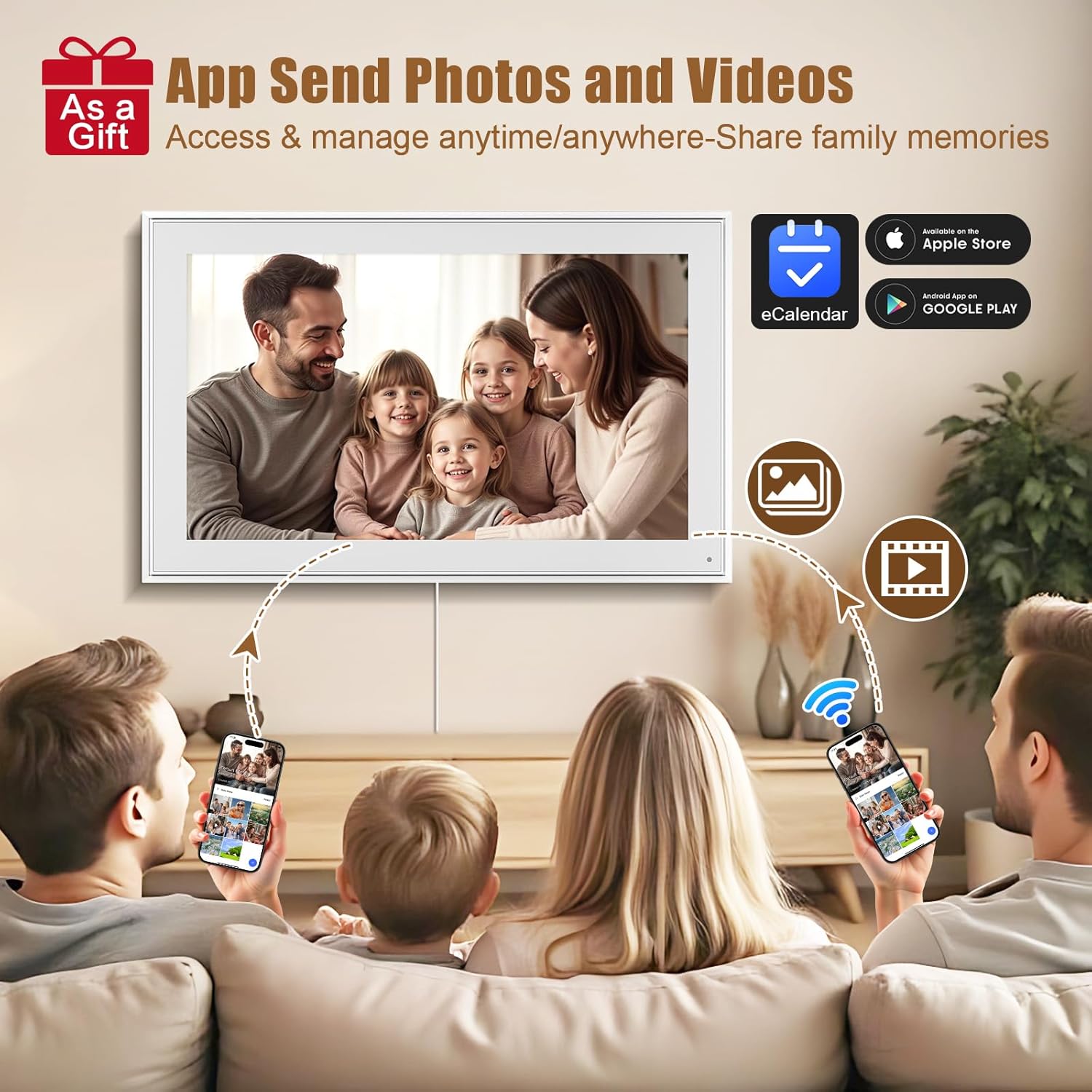
2 App Send Photos & Videos
3 Smart Sleep Mode
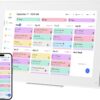
4 Smartphone APP Syncing
5 Multiple Scenes




The video showcases the product in use.The video guides you through product setup.The video compares multiple products.The video shows the product being unpacked. 21.5 digital calendar Merchant Video

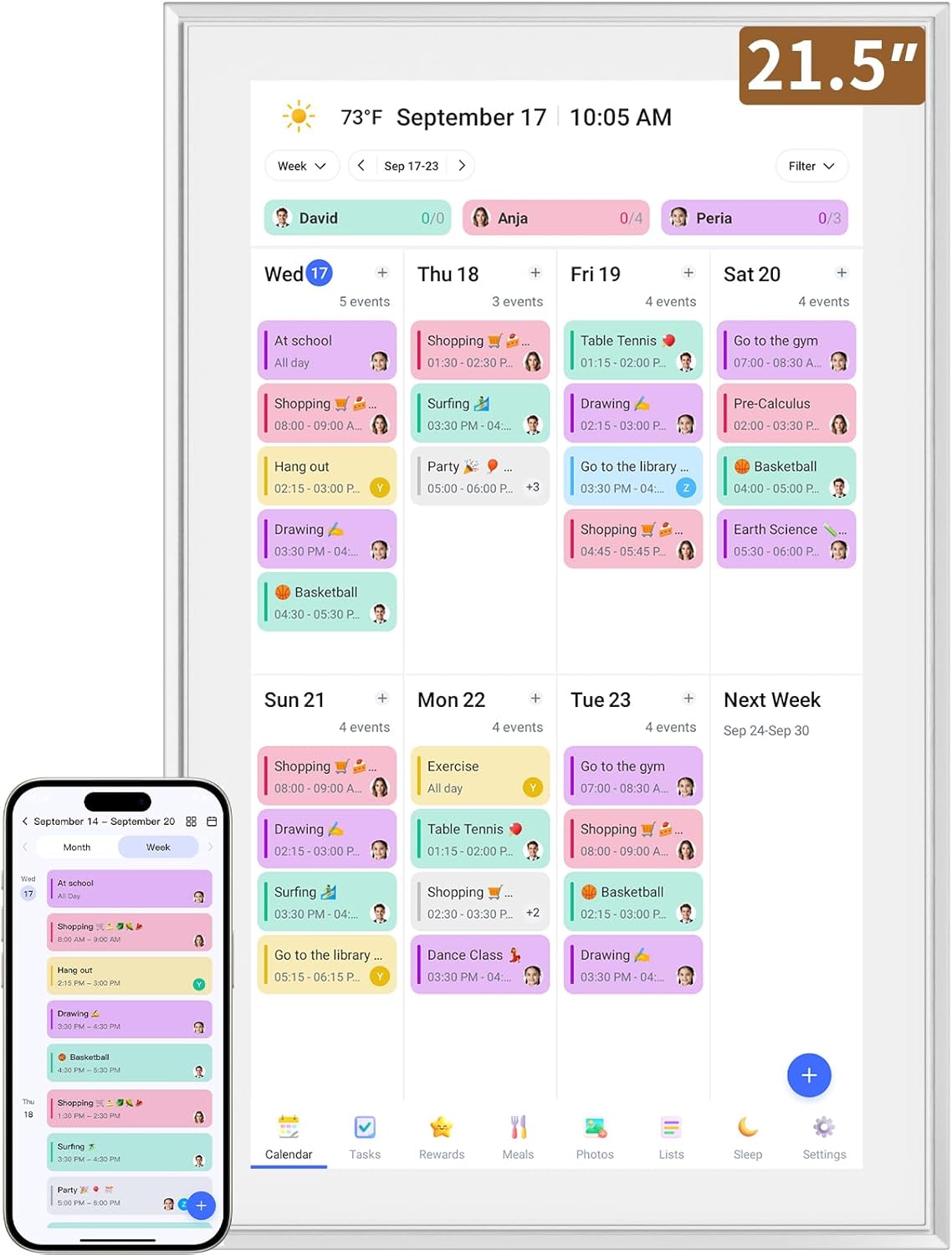
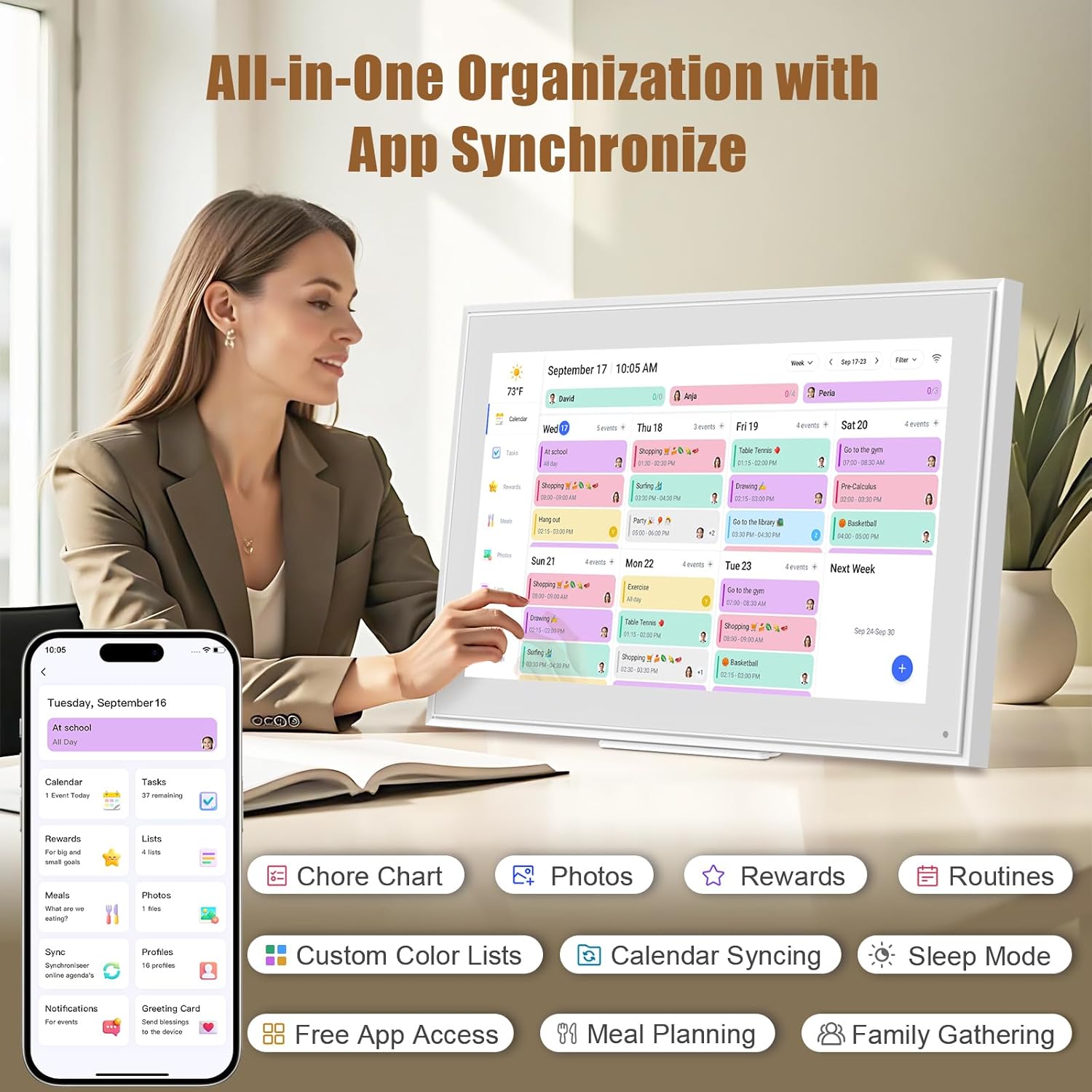
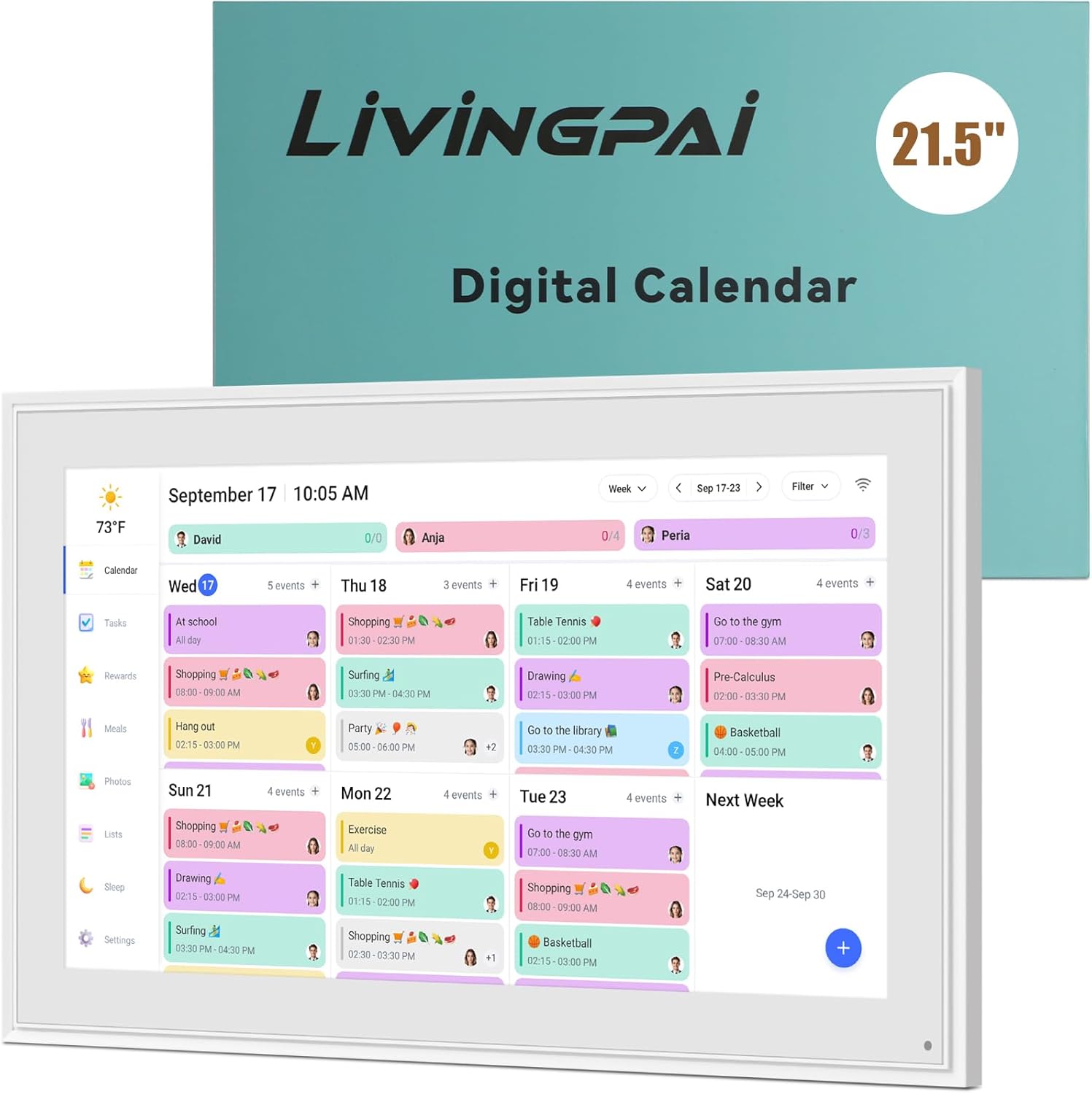
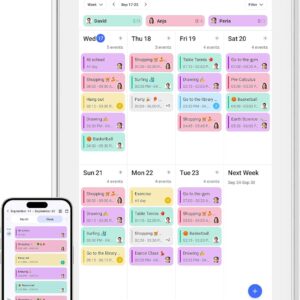
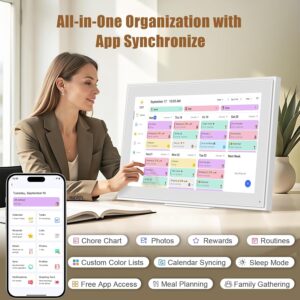
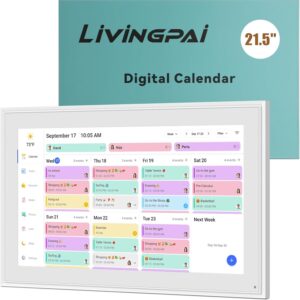
✅All-in-One Smart Family Wall Planner Calendar: this is a WiFi-connected digital calendar and planner touch screen that keeps the family on track by assigning each member their own colors and chores via a digital calendar that can be shared, viewed and edited on one screen.Focuse time management-purpose-built for scheduling, task tracking, and goal setting.a digital calendar and chore chart built for busy families.- an ideal gift for everyone.
✅Personalization High-Definition Smart Display & Mobile App Manage : 21.5 inch HD 1980*1080 Resolution IPS mart display ,supports gesture operation, Swipe to view day/week/month views, pinch to zoom for details. Customizable color-coding and adjustable fonts ensure readability for all ages.Manage your electronic calendar from anywhere with the eCalendar app. Add tasks, update schedules, and coordinate effortlessly, no matter where you are.Themes and interface styles can be switched freely,perfect for home daily planner or office work planner.
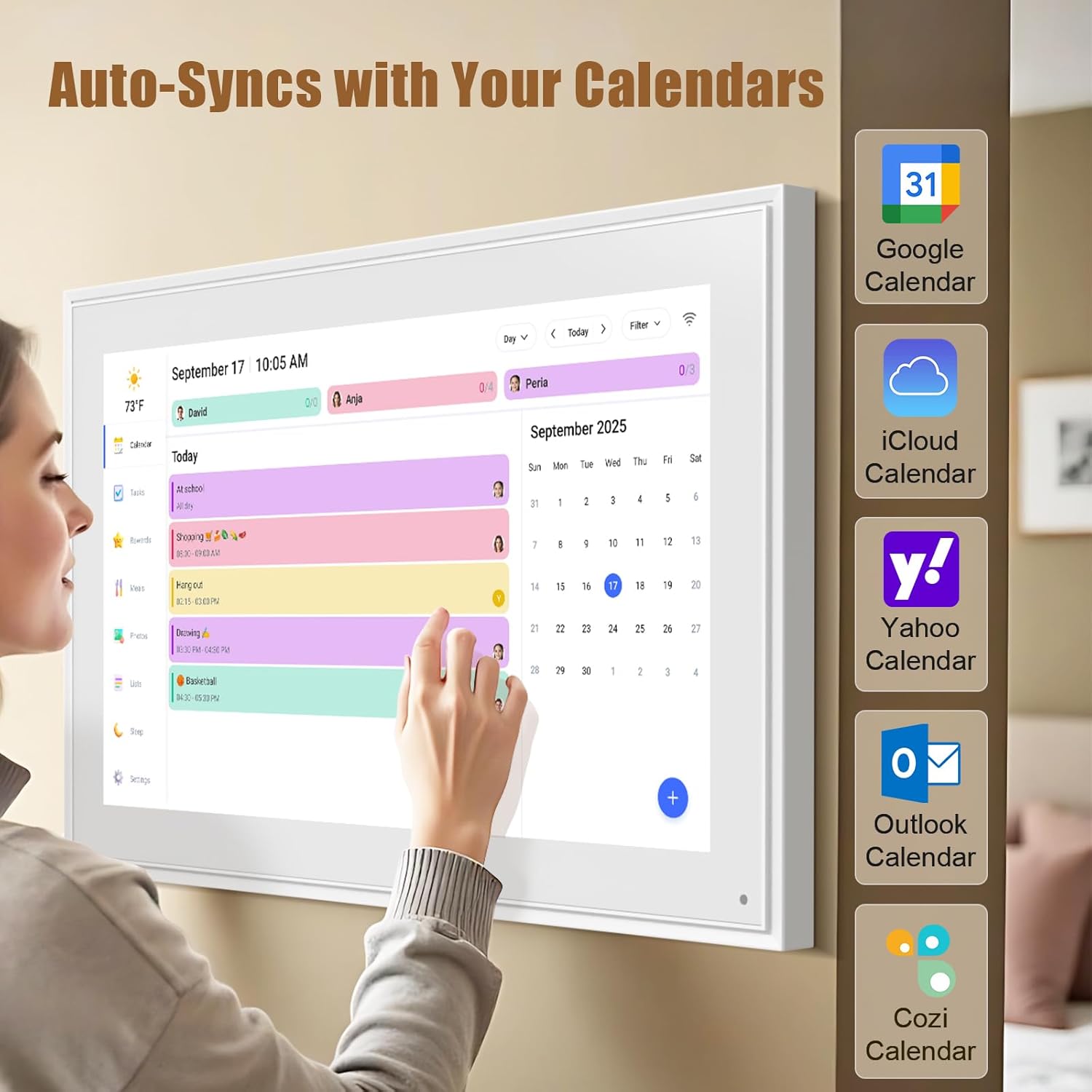
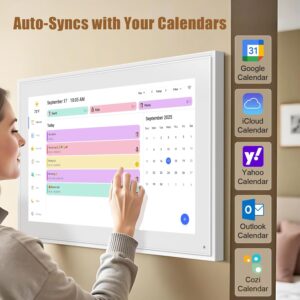
✅Easy Setup, Seamless Calendar Syncing: Simply Plug in, connect to Wi-Fi, and sync your calendars in minutes–all your events will automatically populate and sync.Add events or chores directly on your device, or use the free downloadable mobile app.Compatible with Google Calendar, iCloud Calendar, Outlook Calendar, Cozi and Yahoo.
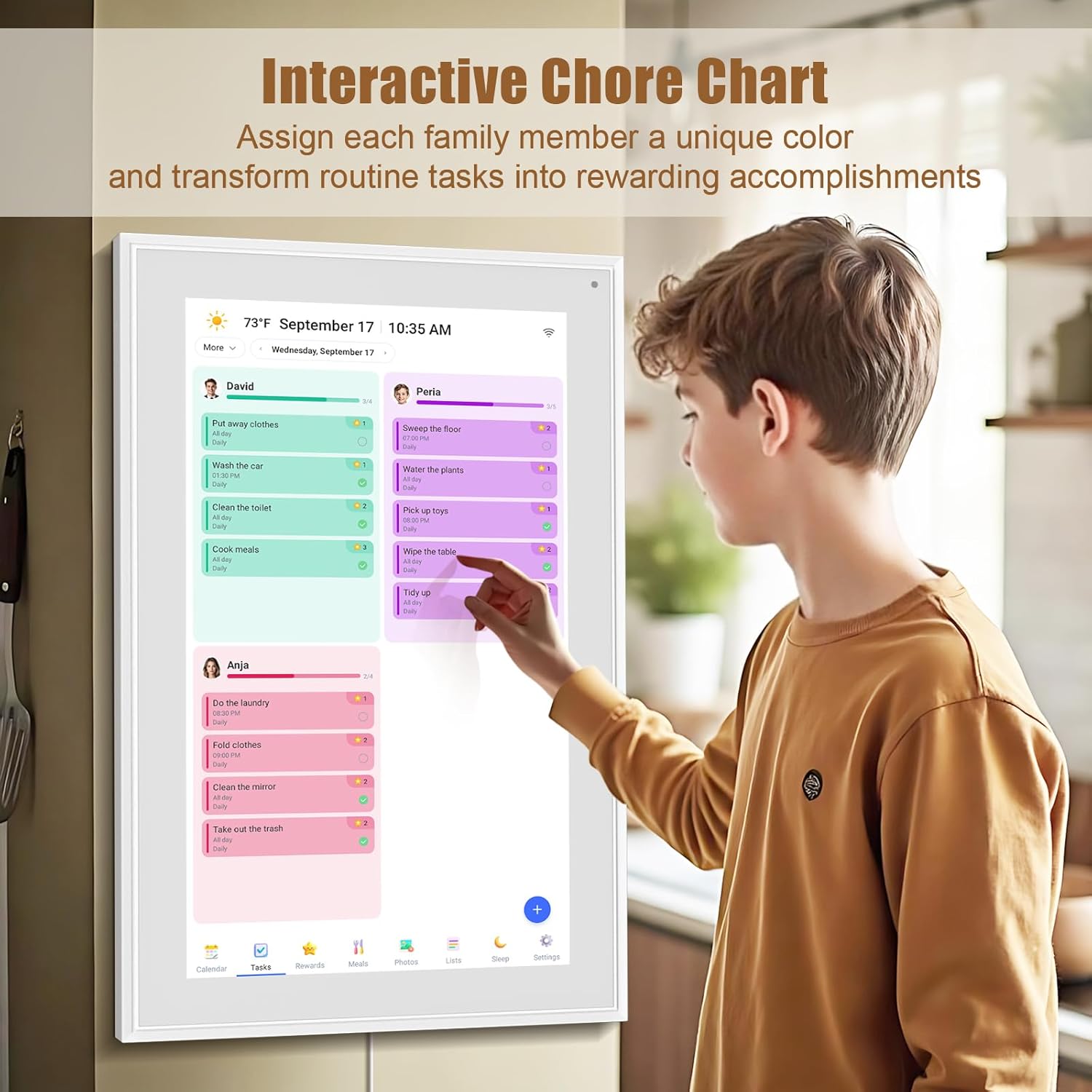
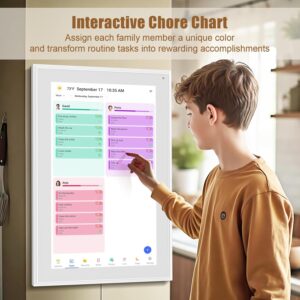
✅Interactive Chore Chart + Meal Planning: Customizable color and tag.Easily add, edit, and track chores to promote independence with an interactive Chore Chart. Keep meals planned and visible, so no one ever asks “what’s for dinner?” again,and keep routines consistent.
✅Wall Mount or Stand -According Your Choice: Mounts easily to any wall or sits beautifully on a countertop. (With a removable stand, you can place it in both landscape and portrait mode. The wall mount hole on the back also allows users to mount it to the wall.)Perfect for the kitchen, hallway, or home office and so on.it fits naturally into your space and routines.
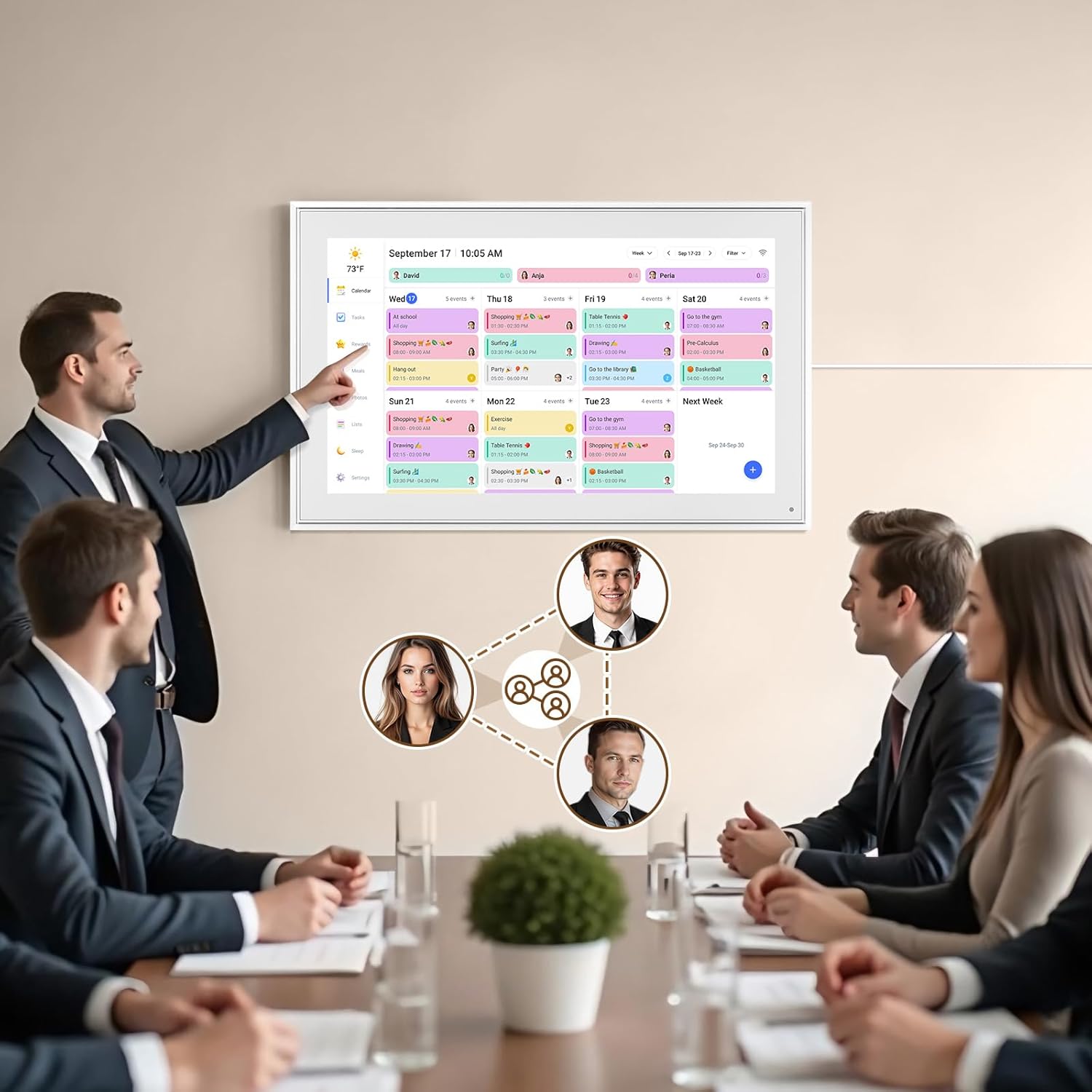
✅Perfect Gift:Perfect gift for Father’s Day, Mother’s Day,Valentine’s Day, Thanksgiving, Christmas, Wedding, Birthday and so on. It has multi-functions, such as photos/videos, sleep mode, adjustable brightness. Customize your digital wall calendar touch screen with colors and unique tag names.Share your calendar with friends, family, or colleagues and coordinate plans effortlessly. Can view and edit the calendar the same time, Support permission classification, Assign tasks to multiple person and track project progress.
13 reviews for Smart Digital Calendar: 21.5-Inch Electronic Wall Calendars & Chore Chart, Full HD Interactive Touchscreen Display for Family Schedules Planner,Seamless Scheduling/Organizing-Wall/Desk Mountable
Add a review
Related products


- SAR: ﷼97.48
- PKR: ₨ 7,239.25
- AED: AED95.45


Electronics
- SAR: ﷼149.99
- PKR: ₨ 11,138.81
- AED: AED146.87


- SAR: ﷼19.69
- PKR: ₨ 1,462.34
- AED: AED19.28


- SAR: ﷼44.97
- PKR: ₨ 3,339.69
- AED: AED44.03


- SAR: ﷼93.73
- PKR: ₨ 6,960.71
- AED: AED91.78

Electronics
Mini Handheld USB Fan – Colorful Rechargeable Portable Fan for Summer | Desk & Travel Use
- SAR: ﷼15.00
- PKR: ₨ 1,114.16
- AED: AED14.69


- SAR: ﷼90.88
- PKR: ₨ 6,749.02
- AED: AED88.99


- SAR: ﷼1,125.14
- PKR: ₨ 83,559.22
- AED: AED1,101.74
Raj –
Game-Changer for Family Organization – Smart, Stylish, and Super Useful!
I recently got this 15.6-inch Wall Planner Digital Calendar and it has completely transformed the way our family organizes daily life. From school schedules to vacations, chores and meal plans — everything is now visible in one place, neatly presented on a large, clear, full-HD interactive screen.First off, the display is beautiful and easy to read. The full HD resolution makes text and calendar entries crisp and sharp, even from across the room. The touchscreen is responsive and intuitive — adding new events, adjusting schedules, or marking chores done is quick and effortless. It feels close to using a tablet, but with the professionalism and permanence of a wall calendar.I love how versatile it is: we mounted it on the wall in our kitchen, where everyone passes through — that makes it the central hub for family coordination. But we also like that it can sit on a desk if needed, so it’s not a permanent fixture if you don’t want it to be.The built-in interactive features and customization options are excellent. From recurring events to reminders, from color-coded chores to shared family schedules — it helps keep everyone on the same page (literally). As busy parents juggling kids, work, and travel, having a visual, interactive planner makes a huge difference in reducing forgetfulness and last-minute chaos.Another great plus is the modern, clean design. The slim frame and sleek interface make it look like a premium digital photo frame or smart home device — it doesn’t stick out awkwardly like older electronic calendars. It blends well with home decor.Overall, this digital calendar has become an indispensable part of our home organization strategy. It’s smart, reliable, easy to use — and it brings peace of mind to a busy household. Highly recommend for families who want to stay organized and on top of plans without juggling multiple apps, paper calendars, or sticky notes.
Angelaa Night –
Cool new tool
I LOVE IT! I can connect my personal calendar, work calendar all for it to give me reminders of what I have going on, The very first thing I look at in the morning when I wake up. It is big enough to read but does not take up to much space. The cost was worth every penny. The white design is nice I do wish it came in purple though. Glad I brought this.
Sydney Nicole –
A great find!
This is so neat and perfect for use in my office at work. I can use it to keep my appointments organized and also have a place to store photos and create tasks. I have seen a lot of these types of calendars and this one is so worth the money! It’s user friendly and the girls at work have so much fun adding wacky tasks for me to do! Highly recommend!!
Zoila Translation Service –
Perfect for organizing my family and daily life
This smart digital calendar has been a total game changer in my home. The screen is clear and bright, it’s very easy to use, and syncing everything is super simple. I love being able to see all my schedules, reminders, and family events in one place. It keeps everyone organized and avoids missed appointments. The touch screen works smoothly and it looks modern and beautiful in my kitchen. I highly recommend it for busy families or anyone who loves staying organized!
Amiay –
Great Family Organizer
This 15.6” digital wall planner is super helpful for keeping our family on track. The touchscreen is responsive, the Full HD display looks clear, and updating tasks or schedules is really easy. I love that everything is in one place, and the wall-mount design saves space. Perfect for busy households!
jkn0621 –
Lack of capabilities and felt wasted my money
Expensive for jyst displaying schedule.1. Why have USB-C when you don’t support reading from a USB-C drive? This woukd be perfect to use for home photo albums and video off of an external thumb drive.2. Why have WiFi, when you don’t support network files exploration and copying. Network littke sliw to connect at startup.3. Addition paid Stylus doesn’t always work. Better off using your fingers.4. Lack of user guide or demo to get the most iut if it.5. When will more capability software be available?6. Why does rebooting taking so long at the Welcome message.?7. Lack of useful apps support.8. Power adapter has a cord thats essentially a foot long. So useless! Needs to be about 3-6 feet minimum otherwise you need to out tge frame by the power plug.Thinking about returning this, cause it’s painful without all the needed features.
Zachary Kolonick –
Better than I thought!
Basically a free version of the more expensive skylight brand. I’ve had issues with it syncing to my iPhone but overall I like the calendar and task tracking. Keeps me productive around the house.
Christi Butler –
Seamless to set up and sync my schedule
This calendar is a perfect size for hanging on the wall or for sitting on a desk. In less then 5 minutes the device was connected and set up ready to use. It syncs quickly with my digital calendar and updates with every appointment that I add. It can track so many things that it makes organizing my life seem simple. I love that when I don’t need the calendar function it serves as a digital photo frame!
Amazon reviewer –
The LiviNGPAi digital wall planner is a blessing to many of us who juggle complicated overlapping schedules. At a glance, you can see what’s upcoming and who is doing what where. :-)You can add items via the app or have them automatically import from your other digital calendars. The app seems stable and robust, and the iPhone app works well.The large 40cm screen is HD and easy to read across a room, and large enough to show loads of data. My phone pictures don’t capture the sharpness and clarity of the screen. It’s a touchscreen so that you can drill into an event with just a tap. Unlike other tablets in this price range, the LiviNGPAi is quick and responsive to touch or scrolling.Users are colour-coded, so it is easy to isolate. The screen can be mounted in landscape or portrait mode.There is basic project tracking and task management built into the app, which, like the screen, is simple and easy to read.Set up was easy, even for me, a boomer who is technology challenged. It connected to my wifi with a tap, and I added our calendars from Google and Apple with a few clicks. The step-by-step instructions walked me through the process. (I require a high level of hand-holding setting up digital stuff. )A solid metal stand is included to use your calendar on a table, and there is a wall mount as well. I plan to wall mount the unit in my entryway for easy access.The backlit screen can be set for sleep time if you keep it in your bedroom.Some have commented that this is not a full Android tablet with access to features. That’s a plus for me. I like the pared-down responsiveness of the LiviNGPAi. It has one job: to keep your crew organized, and it does it well. There’s nothing wrong with being a one-trick pony. 🙂 You can stream pictures, but after checking to see if this worked, I didn’t use it. This is a calendar, not an iPad.What would I change? The only things that would make the LiviNGPAi even cooler would be a magnetic option to install it on my kitchen fridge and an option to run it via a built-in rechargeable battery. And I would have appreciated a longer cord for wall mounting. One metre is short for wall mounting, and I would have preferred the versatility of a two-meter cord.The LiviNGPAi is well packed in foam and arrived in perfect condition. Everything you need to mount the unit is included in the box.The LiviNGPAi is a stress buster for anyone spinning plates and trying to stay informed and ahead of upcoming events. Highly recommended.
PG Martin –
J’ai été surpris de la qualité de l’image et des fonctionnalités de ce cadre numérique. Je l’ai acheté pour ma ma mère qui vit dans une résidence pour personnes âgées.À 16 pouces de diagonale, ça donne une très bonne taille d’image.Les aspects techniques sont intéressants. Il est facile à configuer, on peut mettre des photos directement dans la mémoire de l’appareil ou les charger sur une carte SD et les photos s’ajouteront automatiquement au diaporama en un mix des deux sources. Je n’ai pas essayé, mais j’imagine que c’est la même chose avec une clé USB.On peut configurer le temps entre chaque photo, les heures de fonctionnement, etc. L’appareil peut aussi recevoir des courtes vidéo (15 sec), avec son.L’application Frameo (sur téléphone) est simple d’utilisation. L’app accède directement aux photos sur le stockage local de son téléphone. J’ai lu à plusieurs endroits qu’on ne pouvait pas accéder aux services de stockage en ligne. Je n’ai pas essayé toutes les options (Drobox, OneDrive, Apple photo, etc.) mais sur mon téléphone Android, j’ai pu facilement choisir une de mes photos sur Google Photos et utiliser la fonction de partage d’Android pour l’envoyer dans Frameo (voir saisie d’écran).Un aspect intéressant de l’application Frameo est de pouvoir ajouter une légende à chaque photo envoyée (ou une légende commune pour un groupe de photos envoyées en même temps) mais aussi de pouvoir choisir une zone de la photo (une personne par exemple) dont on veut s’assurer que la zone soit vue, selon l’orientation du cadre (portrait ou paysage).Seul élément négatif: l’application Frameo ne peut permet pas de gérer la collection de photos à distance (genre: effacer certaines photos, changer l’ordre). Une interface web, accessible via un navigateur, pourrait être intéressante aussi.Mais sinon, le produit répond parfaitement au besoin que j’avais: faire parvenir différentes photos à ma mère simplement, sans intervention techno de sa part.
Charles W –
Nice frame comes with Frameo software. I bought this for Christmas 2024 and loaded all of the family Christmas photos for the past 4 years. What a joy to watch with my daughters and their families. I was just adding our PEI vacation photos via Frameo and discovered that there is an update that shows multiple photos on the screen at the same time! Now this really delivers a some joyful memories.
Amazon Customer –
So many pictures trapped on my mom’s phone and tablet. This lets her show them off and see them. Plus my sister and I can log in and add pictures with the app.
pob –
This is a 5 star item all the way. High quality, easy to use, good value. Nice big picture. Touch screen, managing picture is a breeze. Sending pictures takes a few seconds. We bought one for my Mom, one for my wife’s Mom and one for my aunt in Ireland (accommodates 120-240 volt). I set them all up at home and tested them before deploying. The big bright pictures, configuration options for Slideshow, Display, etc is excellent. Highly recommended.