


Price: $29.99
(as of Jan 23, 2026 00:57:53 UTC – Details)
Product description


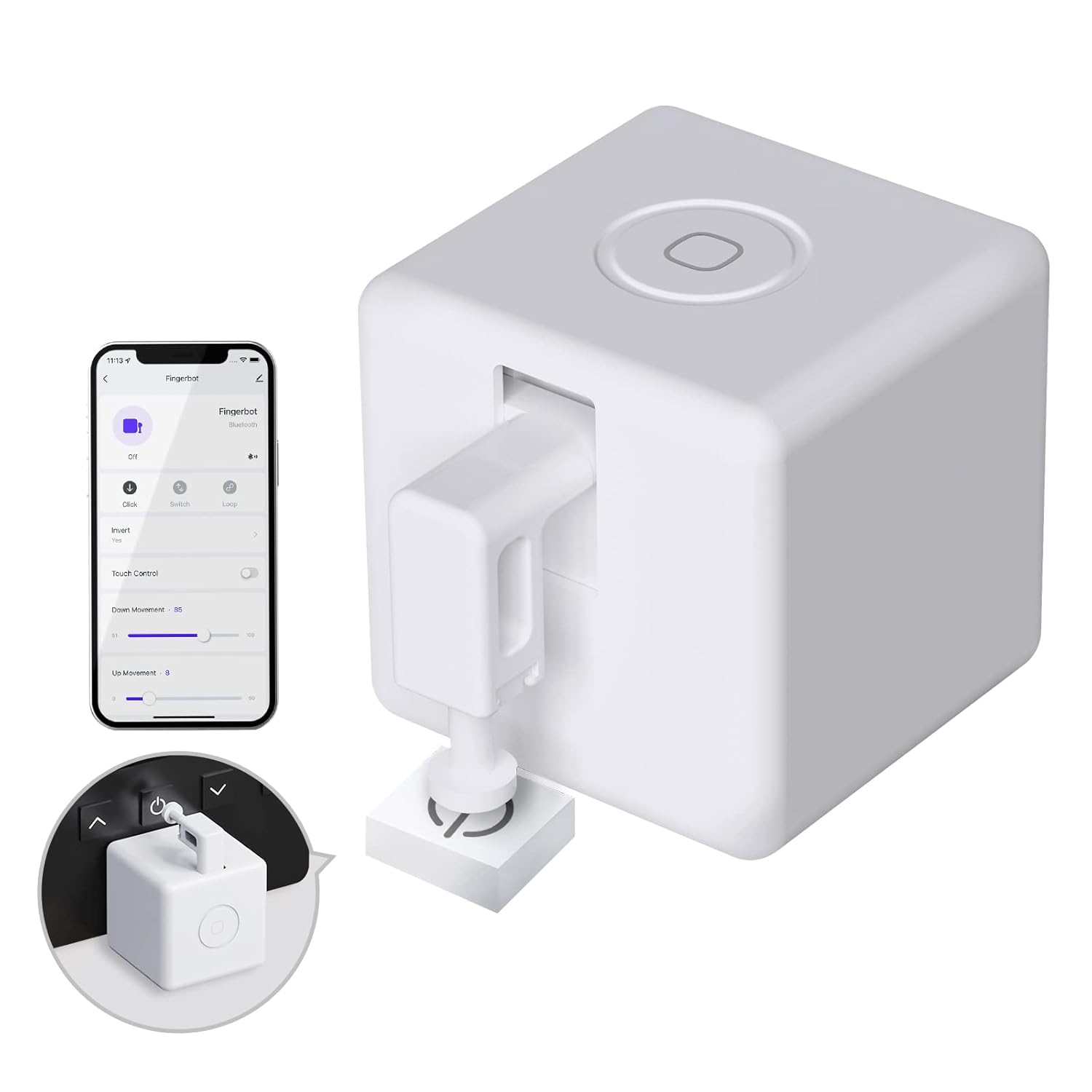
NO hub required for accessing multiple intelligent functions in App.
Turn your phone’s Bluetooth on and connect 2.4G WiFi for that Bluetooth version to access the many smart functions and features in the app without a hub. Upward and downward motion is selectable and adjustable from 0-100 to meet your specific device needs; it even has a duration setting for added convenience.
Variety of control methods  Point to Point Control
Within the Bluetooth connection range of about 10 meters you can use your cell phone Bluetooth to connect directly and control the fingerbot on smartlife APP.  Smartlife APP/WiFi Control
When you are outdoors, you can use the smart life APP for remote control (wireless remote control requires MOES Bluetooth gateway)
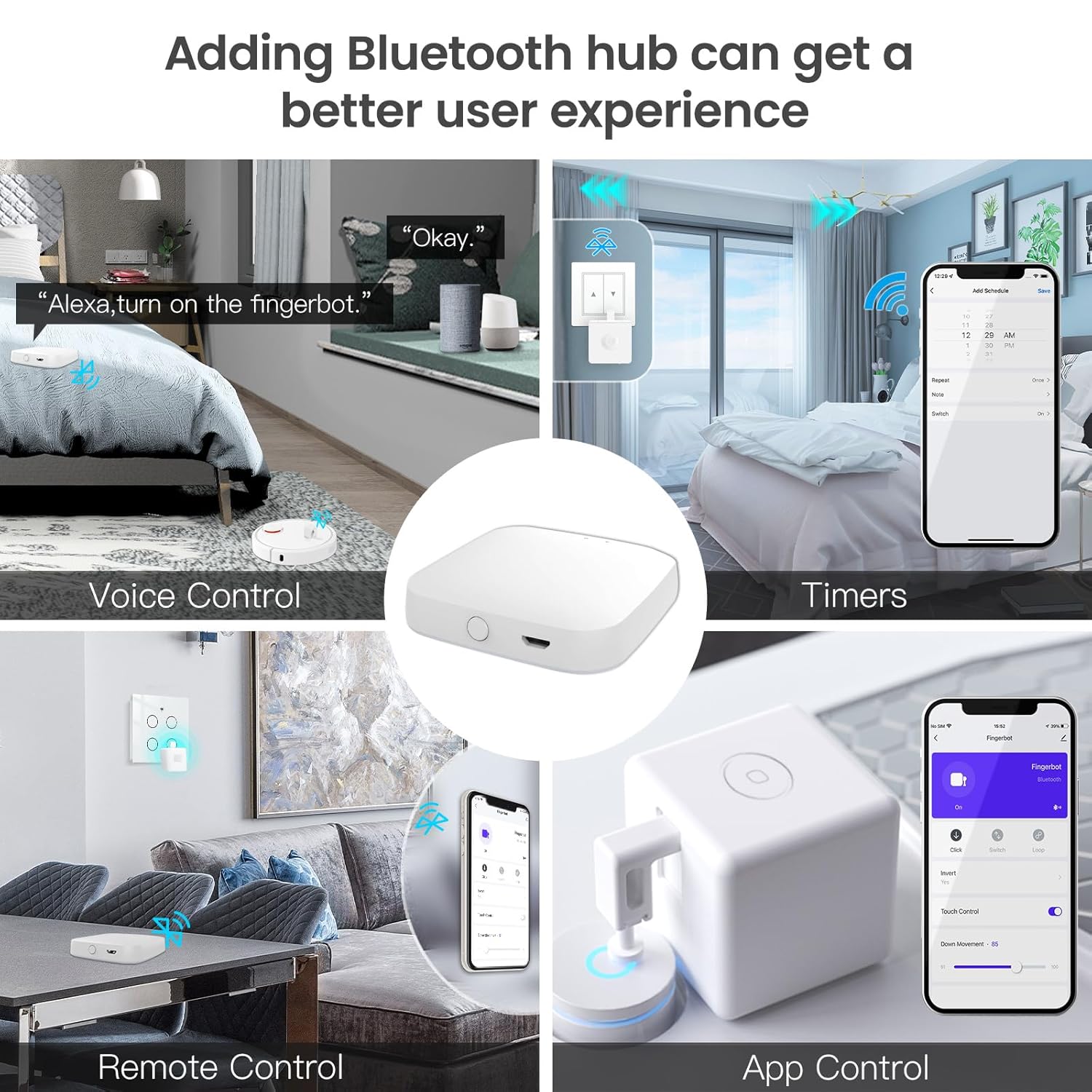
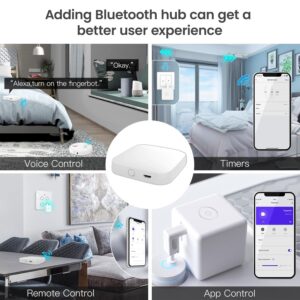
More fun with the MOES Bluetooth hub (sold separately)
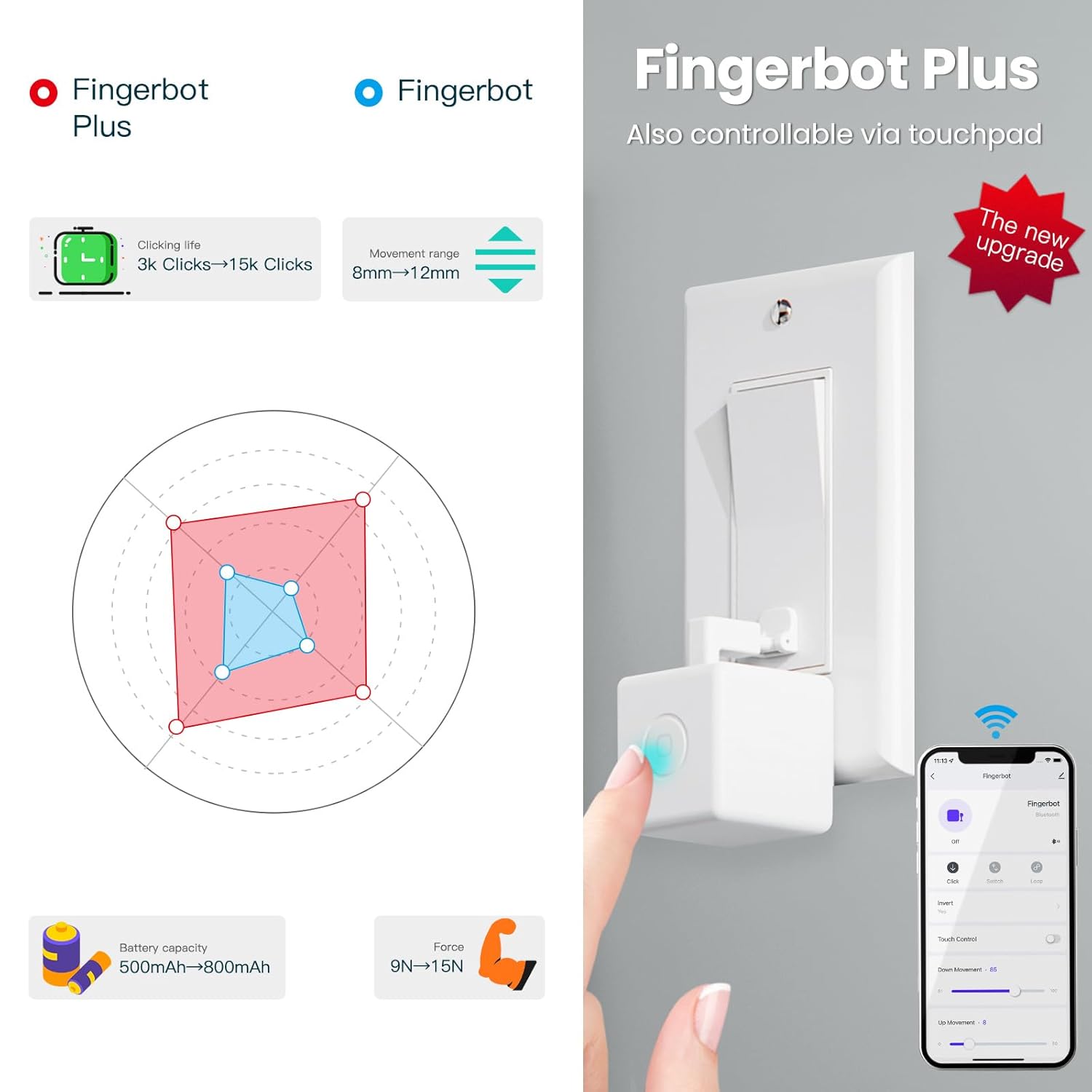
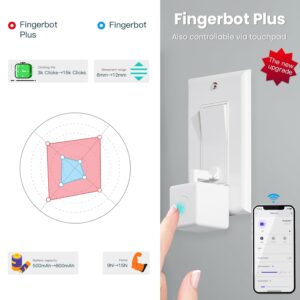
New upgraded Fingerbot Plus is designed with the touch button on the device for easier ON/OFF control of the robotic arm to home traditional switches and buttons. Bluetooth gateway is required for wireless remote control and voice control by voice assistants. 
 Device Power
To power on the device, please open the case from behind and remove the battery insulation sheet before use.
 Device Resetting
When pairing your Fingerbot to a new account, a device reset is needed. Please long-press the reset button for 5 seconds to reset the device.
 Device Installation
Clean the surface of the button panel where you want to install the Fingerbot.Attach the Fingerbot to the panel using a tape provided in the package.  Robotic Arm Extension
After installation,resting the device for 24 hours to reach maximum adhesionthe arm is replaceable in order to meet different needs.(Sold separately).
Can this hold a button down for a couple seconds?
Yes, Fingerbot has long-press mode. You can set the hold time in the app. The longest hold time is 10 seconds.
Do I need to buy a MOES Bluetooth gateway separately?
1. No gateway : fingerbot can be controlled on the APP, but it can only be operated locally.
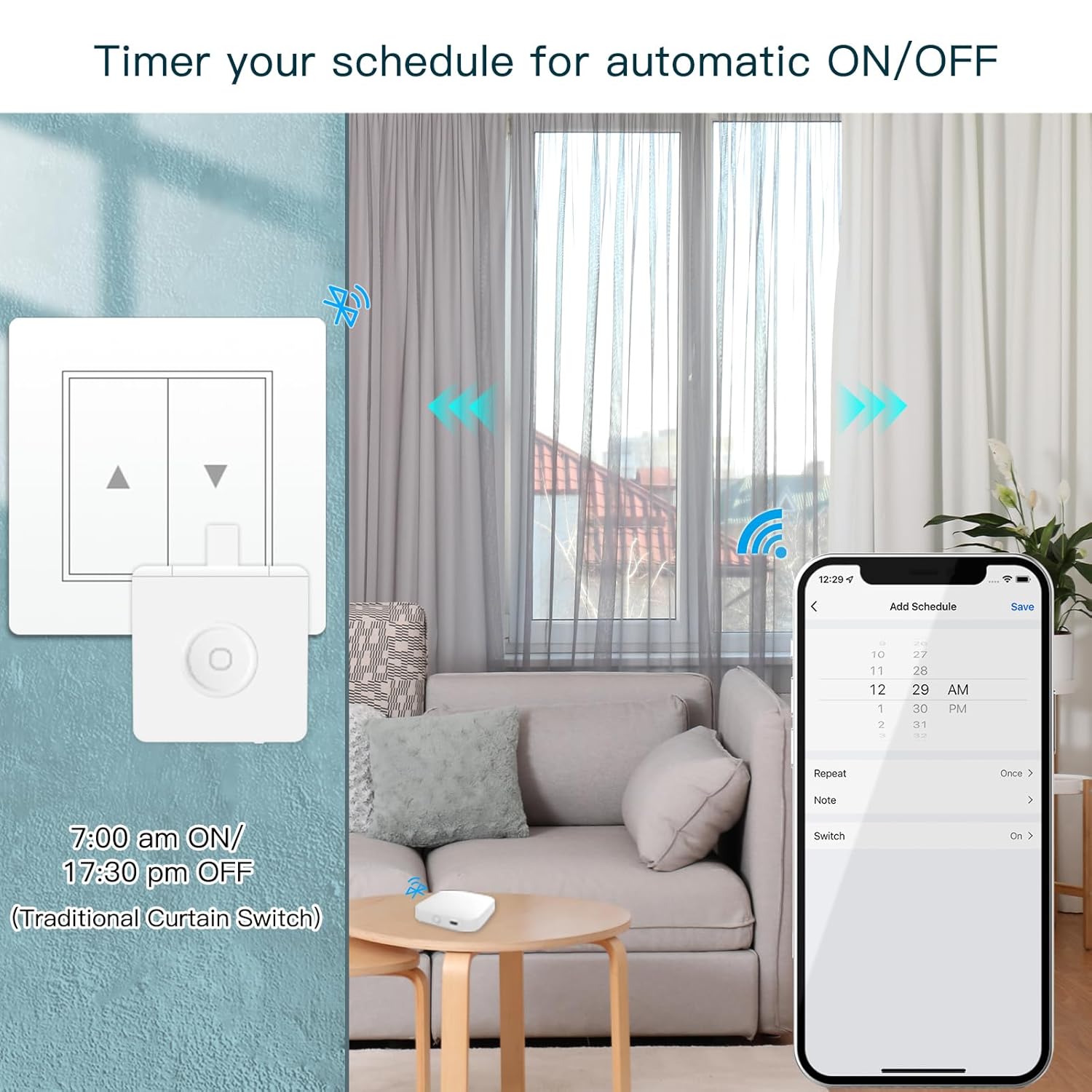
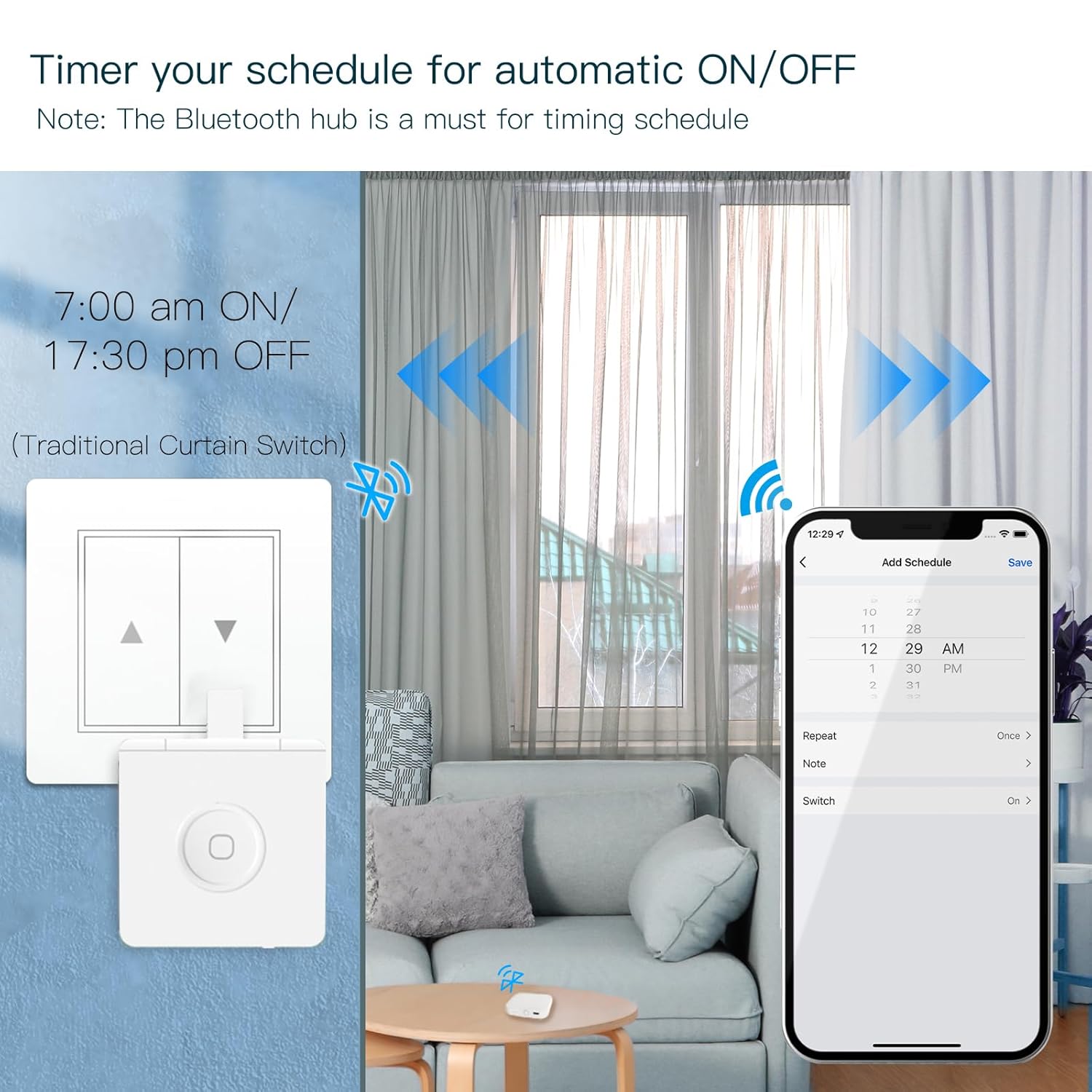
2. Requires a gateway: After the fingerbot is connected to the gateway, the mobile phone can be remotely controlled, voice controlled and timed.
How many action modes does fingerbot’s putter have?
1.Single point mode: one click can only ascend or descend.
2. Up and down mode: one click to complete the ascending and descending action.
3. Loop mode: Repeat the rising and falling action continuously.
What is the maximum distance the robot can travel from the gateway?
About 70 meters without obstacles.
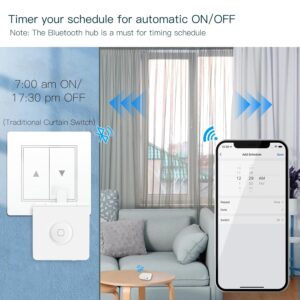
Does it have timer settings?
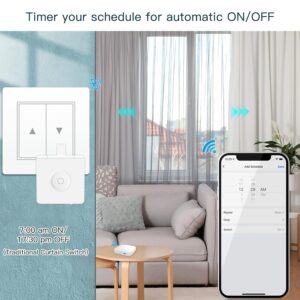
It can be set regularly (requires moes bluetooth gateway), and you can set it to be turned on or off at any time of the week.
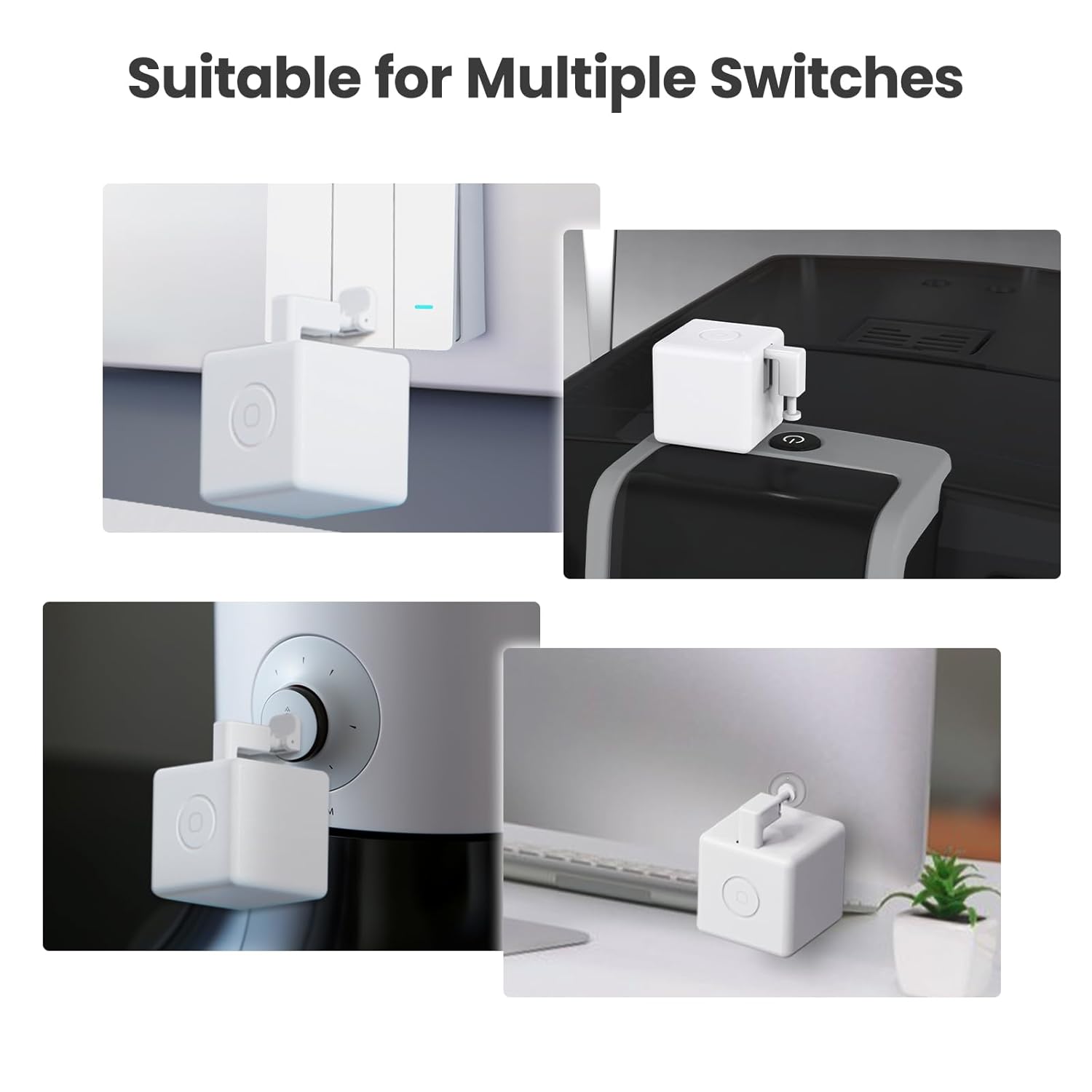
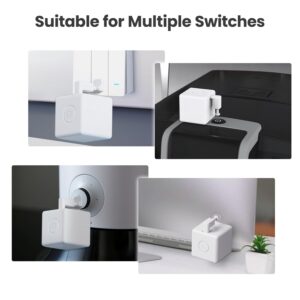
【Smartly Control Your Traditional Appliances】Fingerbot is compatible with various buttons and switches(except touch screen button). With the included Add-on sticker, it can simply stick to any surface and retrofit your old appliance.Can be used to on and off computers, TVs, floor robots, garage doors, wall switches, etc
【Touch Button】Introducing the enhanced Fingerbot Plus with built-in touch buttons for effortless robot arm control – just a touch powers on/off. Transform ordinary switches into smart buttons using our robot button pusher. Accessories for different switch models are available for separate purchase by searching B09TVZ9CCB on Amazon.
【Even better with Tuya Bluetooth Hub】With Tuya Bluetooth Hub(Search B0CVX7TJS9 on Amazon to purchase separately), you can control your FingerBot remotely from anywhere and enable voice control. Works well with Amazon Alexa and Google Assistant. Timing functions still require a Bluetooth gateway.
【Easy Installation】Tape it right next to a rocker switch or button with a sticker in 5 seconds. No swapping, no tools are required.
【Enegry Saving】The newly upgraded second-generation finger robot is powered by a replaceable CR2 battery(battery include).
8 reviews for MOES Fingerbot Plus Smart Button Pusher No Wiring Switch, Upgrade with Touch Control, Work with Smart Life App, Add MOES Tuya Bluetooth Hub Make it Compatible with Alexa,Google Home and Timer Control
Add a review
Related products


- SAR: ﷼89.02
- PKR: ₨ 6,601.69
- AED: AED87.15


- SAR: ﷼74.99
- PKR: ₨ 5,561.22
- AED: AED73.42


- SAR: ﷼300.08
- PKR: ₨ 22,253.22
- AED: AED293.77


- SAR: ﷼1,125.41
- PKR: ₨ 83,457.22
- AED: AED1,101.74


Electronics
- SAR: ﷼150.02
- PKR: ₨ 11,125.22
- AED: AED146.87


- SAR: ﷼225.05
- PKR: ₨ 16,689.22
- AED: AED220.32


Electronics
Roku Streaming Stick HD 2025 — HD Streaming Device for TV with Roku Voice Remote, Free & Live TV
- SAR: ﷼107.59
- PKR: ₨ 7,978.78
- AED: AED105.33


- SAR: ﷼337.60
- PKR: ₨ 25,035.22
- AED: AED330.50
Amazon User –
Essential Peace of Mind for Boiler Reset
I purchased the MOES Fingerbot Plus specifically as an emergency countermeasure for remotely resetting my furnace/boiler, which occasionally requires a manual reset. Having the ability to do this when I’m away from home was the primary goal and this device delivered perfectly when combined with the necessary smart gate module. The setup was quick and the performance was flawless. The little device can be programmed to deliver the exact pressure needed to press the reset button reliably every time. The battery life, durability and looks are all very acceptable. Knowing that I can remotely handle an unexpected boiler shutdown without needing to rush home has given me an enormous piece of mind and is well worth the money. This small, seemingly simple device is a powerful tool for home management and I highly recommend it for similar applications.
Vargha Mehregan –
Perfect for home assistant
I got this robotic finger to use with my home assistant so I could open and close my garage door remotely from my phone. I used a hub to connect it to Wi-Fi, and it was all pretty straightforward. It hooked up easily through the Tuya app (or any smart home app), and I added a switch on my smart home dashboard that’s linked to my assistant. Super responsive. Every time I tap it, the garage door opens or closes right away. No hiccups so far, not a single failure. Everything’s been great. Definitely a 5-star gadget in my book right now. If anything changes or it ever fails on me, I’ll update my review.
Bushwh@ck –
Eh… I guess?
I assume that this works well as a standalone item. I press the button and it turns on when it turns off. But this is fairly useless by itself because in order for it to even be used it needs to be within Bluetooth range of your phone and even then it takes seconds to connect. It’s almost faster to just do it manually without this. In order to make this useful, you need to buy the wireless hub which is sold separately.
Megan –
Worth the money 100%
This item is legit it actually pushes a button that in my opinion is hard to push in . You can adjust the resistance in advance settings
Josh –
Bluetooth, not Zigbee
I have quite a few Moes products connected to my Hubitat Elevation hub. Haven’t really had many issues with any of them, they are functional and cost effective.For some reason it is not easy to get the Moes Zigbee Fingerbot on Amazon. A lot of the product entries list BLE, Zigbee, and WiFi all or in combination on the product pages.Pretty confident that had finally ordered the Zigbee specific version of the Moes Fingerbot.But unfortunately the one received is Bluetooth, so ultimately it’ll be going back.That being said the product is very nice, build and materials are good, and does what it is designed to do.Both manual and Smart Control functions work well from my quick testing. The physical button only needs a light touch to activate.
Marianna L. –
Wonderful product
Love this product! I actually have it attached to my husband’s blood pressure machine. We do home hemodialysis every other day. He uses the bedroom upstairs for the treatment room and I work from home downstairs. I have to take his blood pressure every thirty minutes during treatment (for 4+ hours). So instead of running up and down the stairs every time, I put the robot finger on his BP machine. The BP machine connects to an iPad so when I activate the robot finger from my phone, it starts the BP machine and then the results are sent directly to the iPad. It has saved me so many trips up the stairs!
Elli Marie –
Fingerbot
We bought for our garage door, works great but only one person can use it. We found that only one of us can link to the Bluetooth because it will kick the other one off the app. The other issue is we have to be very close to the garage in order for it to open/close.
Sebi –
This is NOT the future (Alexa don’t work with this one)
This item does not serve its purpose. It does NOT integrate with Alexa or Google (has an app but the devices don’t use WIFI, only Bluetooth so the app says unresponsive), which is like the whole point. You have to use the app to make it work or touch it yourself, which defeats its purpose. I originally got these to power my neon signs since they’re behind the couch and allat; it literally required me to 3M CLOTHESPINS on the wall to make it work and the automation didn’t work because I wasn’t home, where my phone could caress the boxes lovingly. Junk.