


Price: $137.30 - $104.99
(as of Jan 24, 2026 20:08:03 UTC – Details)
Product description


1 Multi-scenario Adaptation
2 Travel Companion
3 Gaming Entertainment
4 Efficient Office


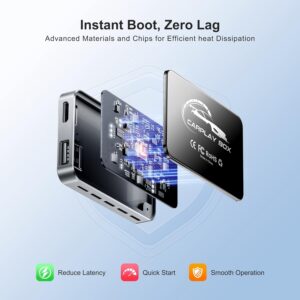
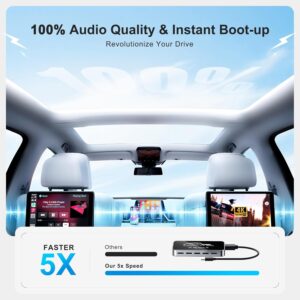
1 Instant Boot
2 Seconds Response
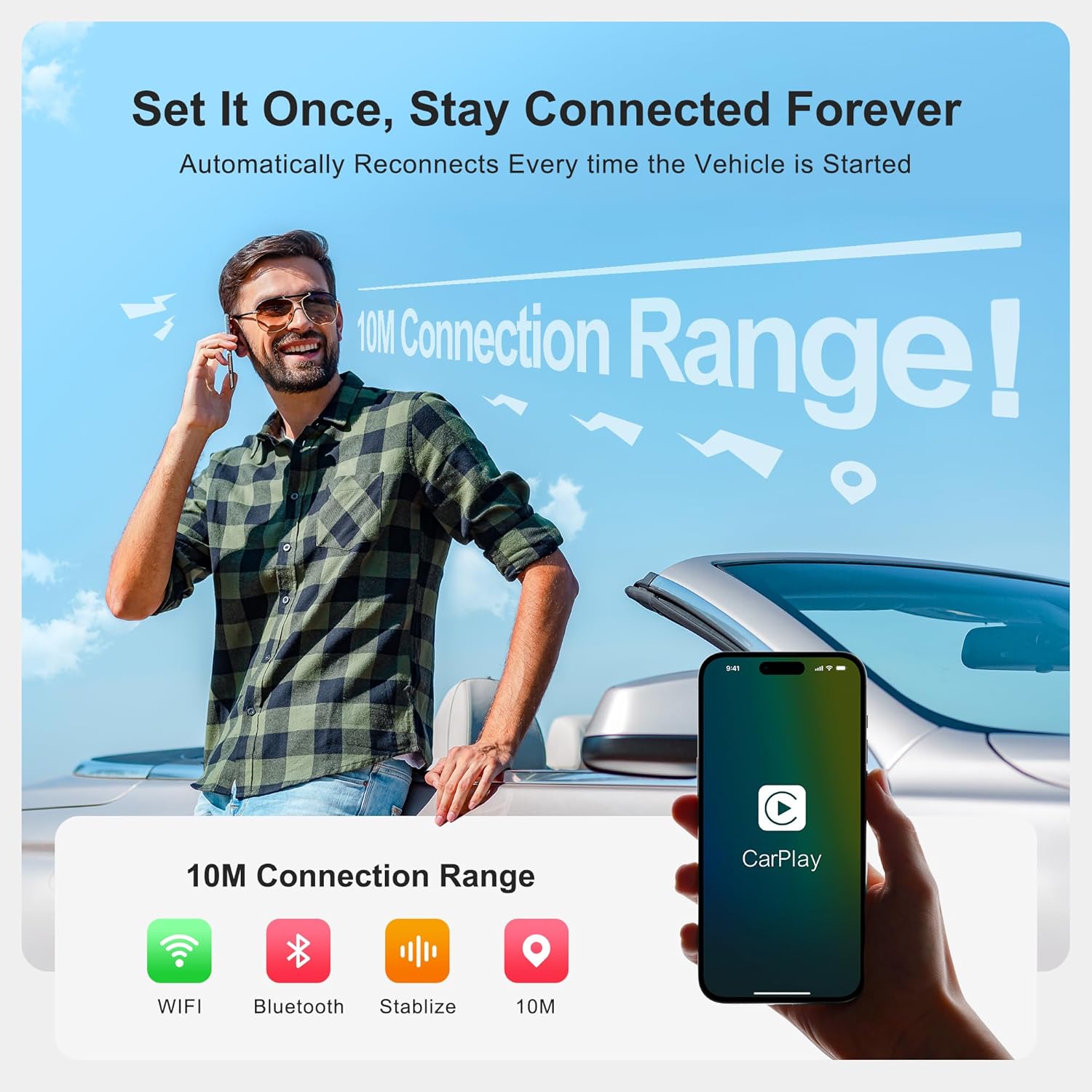
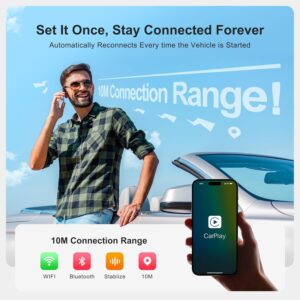
3 Auto-Connect
4 Automatic Memory
5 Wireless Connectivity
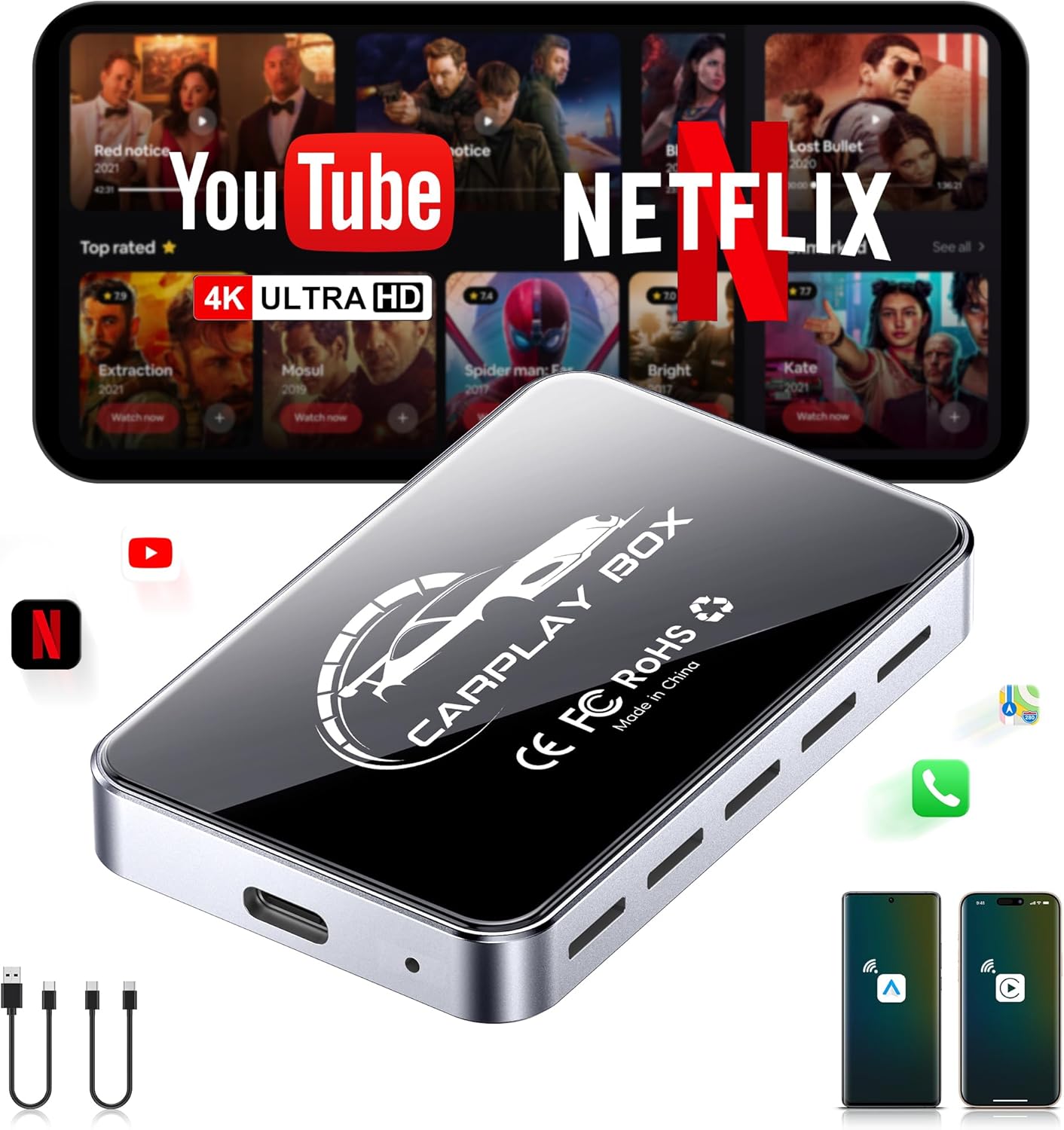
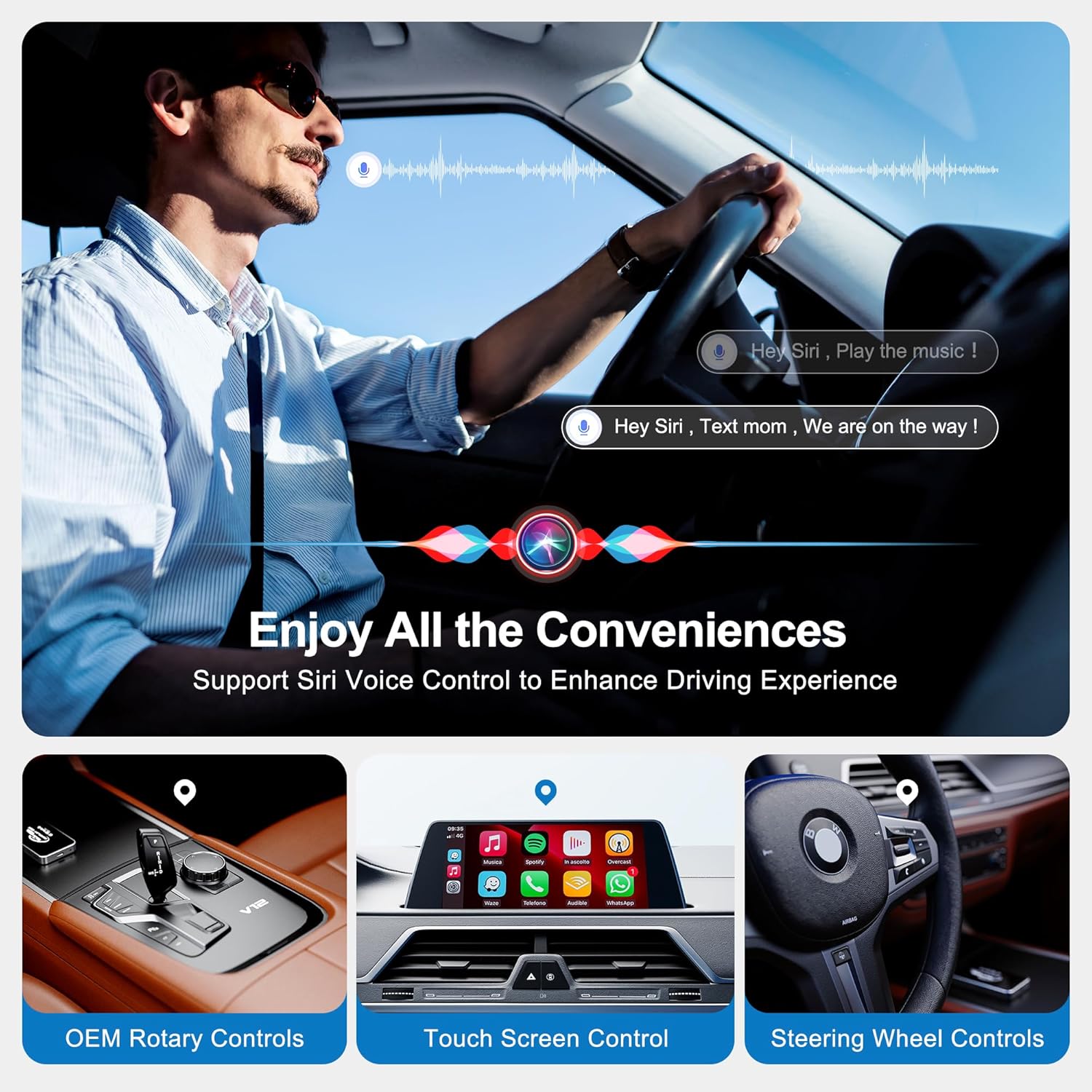
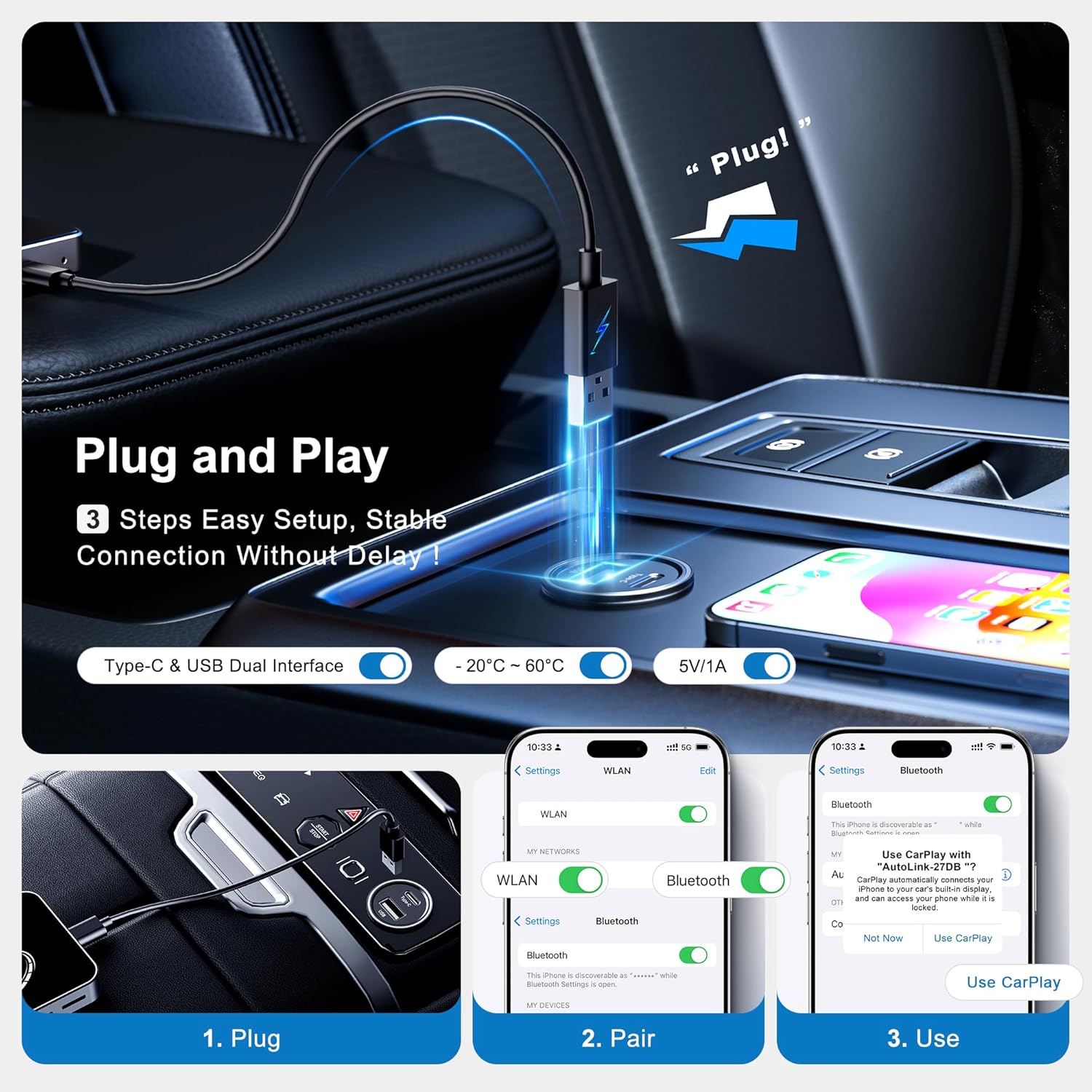
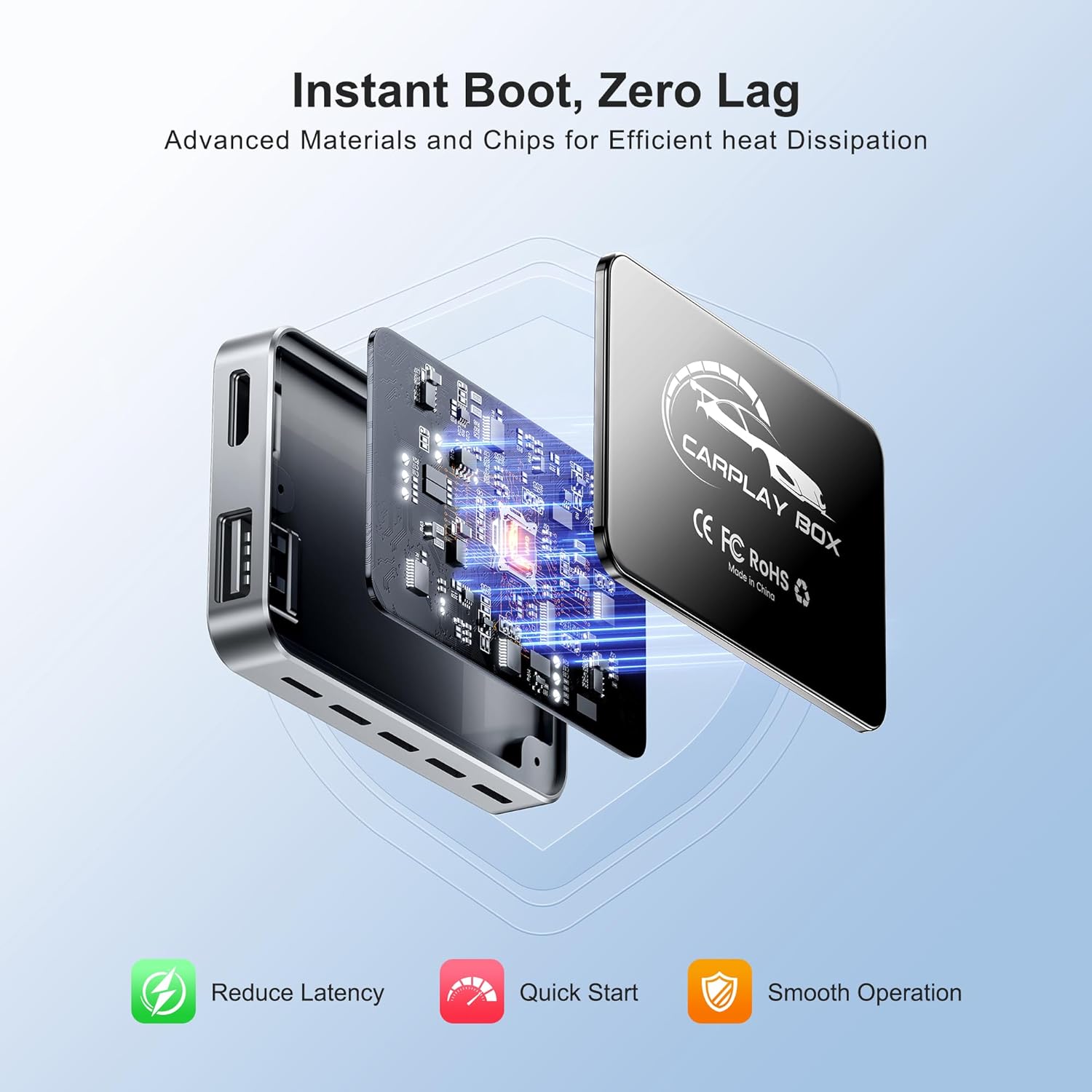
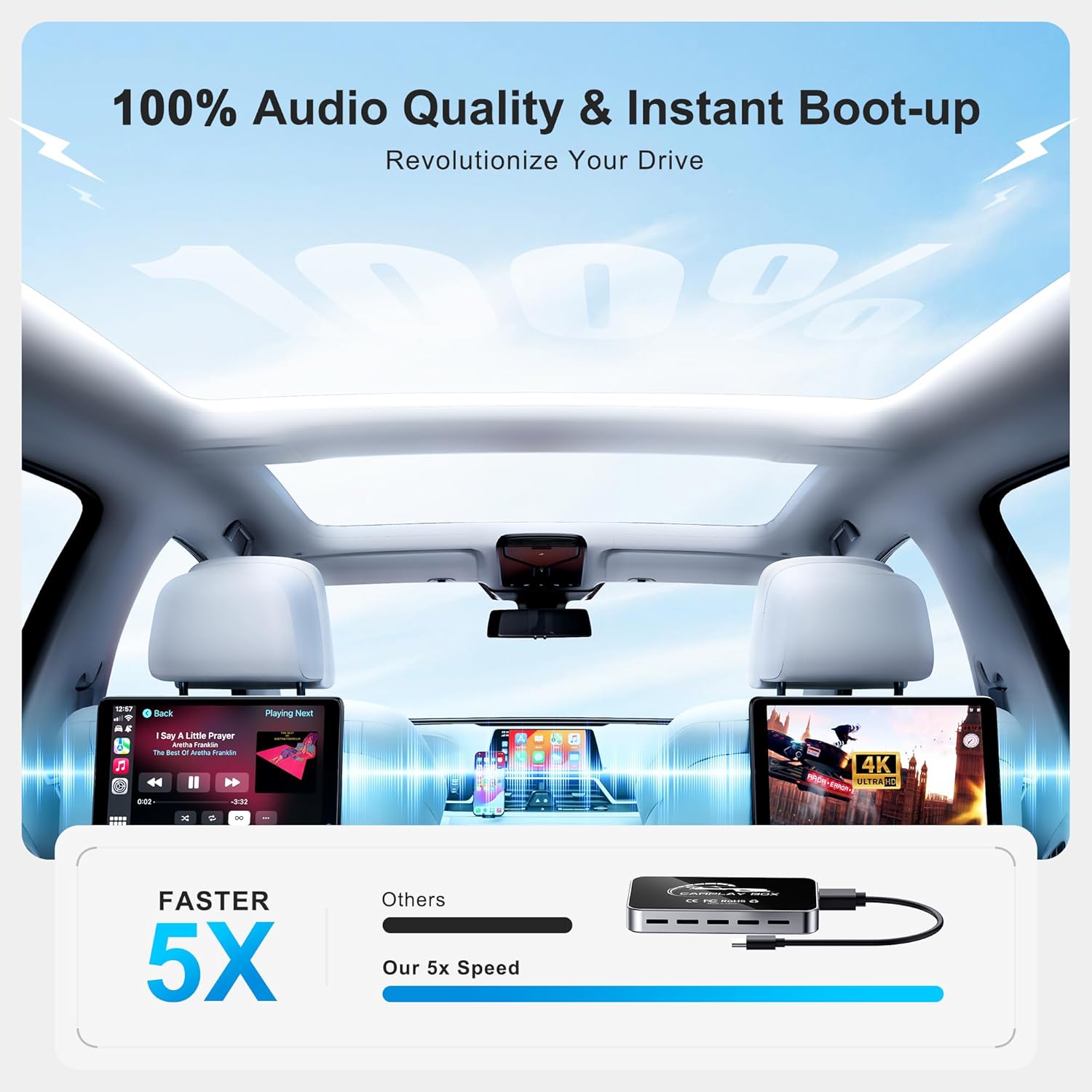
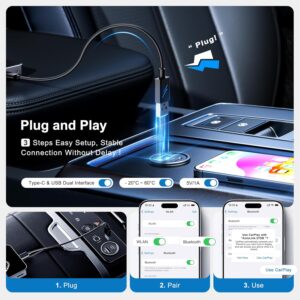
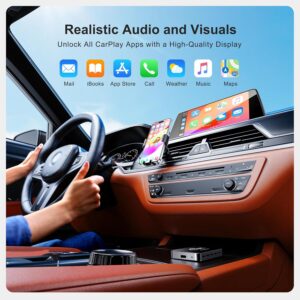
Wireless CarPlay Adapter Upgrade:This CarPlay AI Box upgrades your factory system into a wireless CarPlay adapter and wireless Android Auto solution.Plug & play setup, no cables needed. A true carplay wireless adapter designed for smooth daily driving.
Smart AI Box with Android System:This AI box CarPlay transforms your car screen into a smart carplay box powered by Android OS.Access navigation, music, and video apps directly—an all-in-one AI box for modern driving.
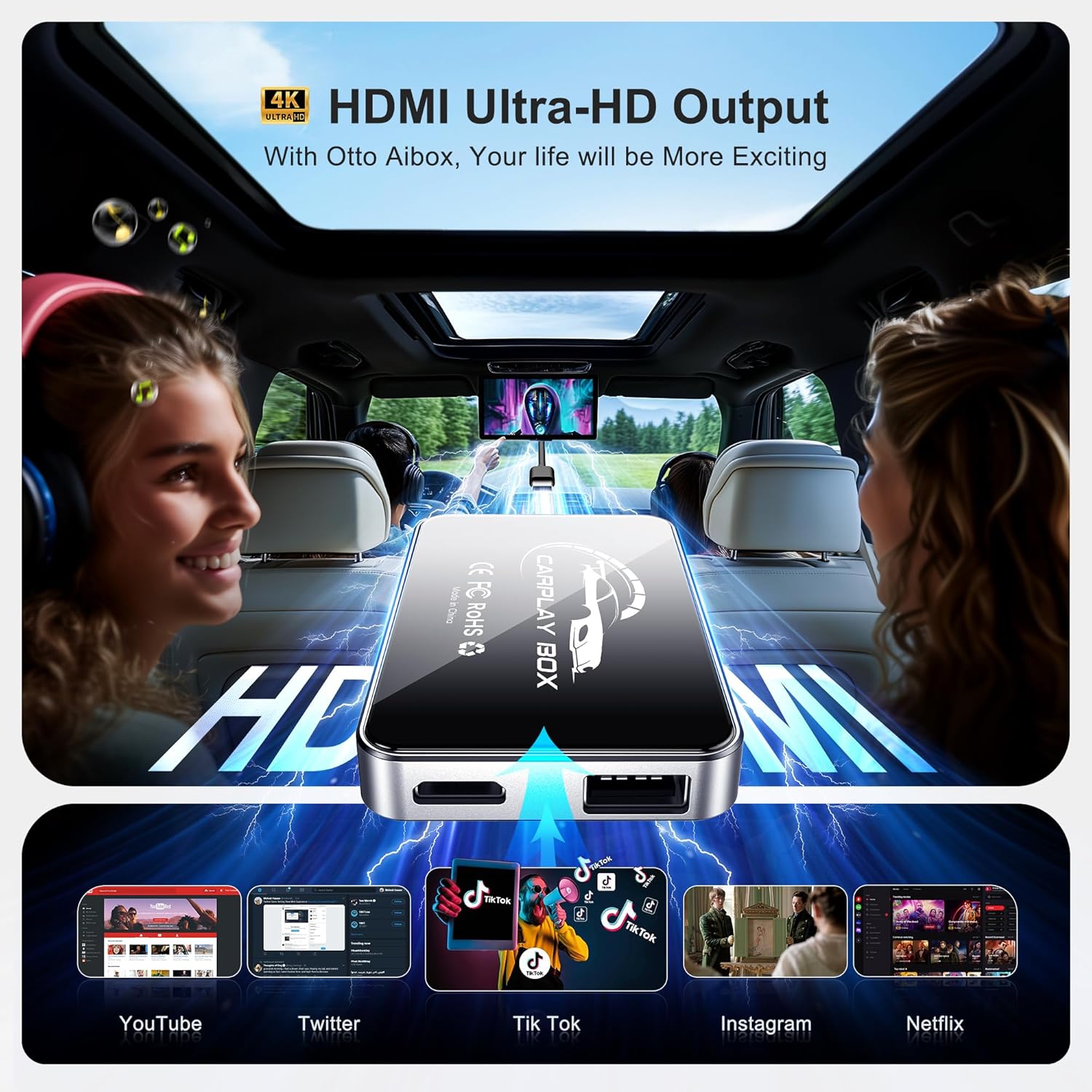
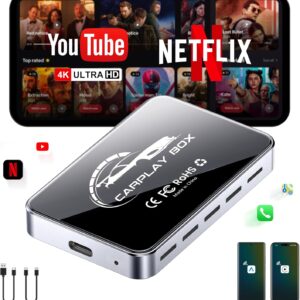
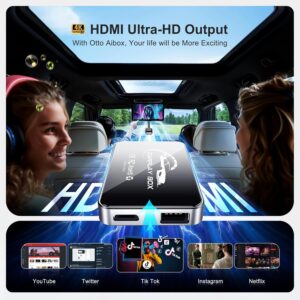
Play Video on Your Car Screen:More than a carplay adapter, this device works as a car video box, It also supports USB flash drives and SD cards (up to 128GB), allowing to enjoy video content on your car display (for passengers).Experience HDMI video output for crystal-clear 4K video playback.Supporting Google Maps, YouTube, Netflix, with Dual-Band WiFi (2.4GHz/5GHz).
Wireless, Clean & Convenient:Enjoy the magic box experience: no wires, fast connection, and stable performance.This carplay adapter eliminates cable clutter while keeping your dashboard clean and your connection reliable.
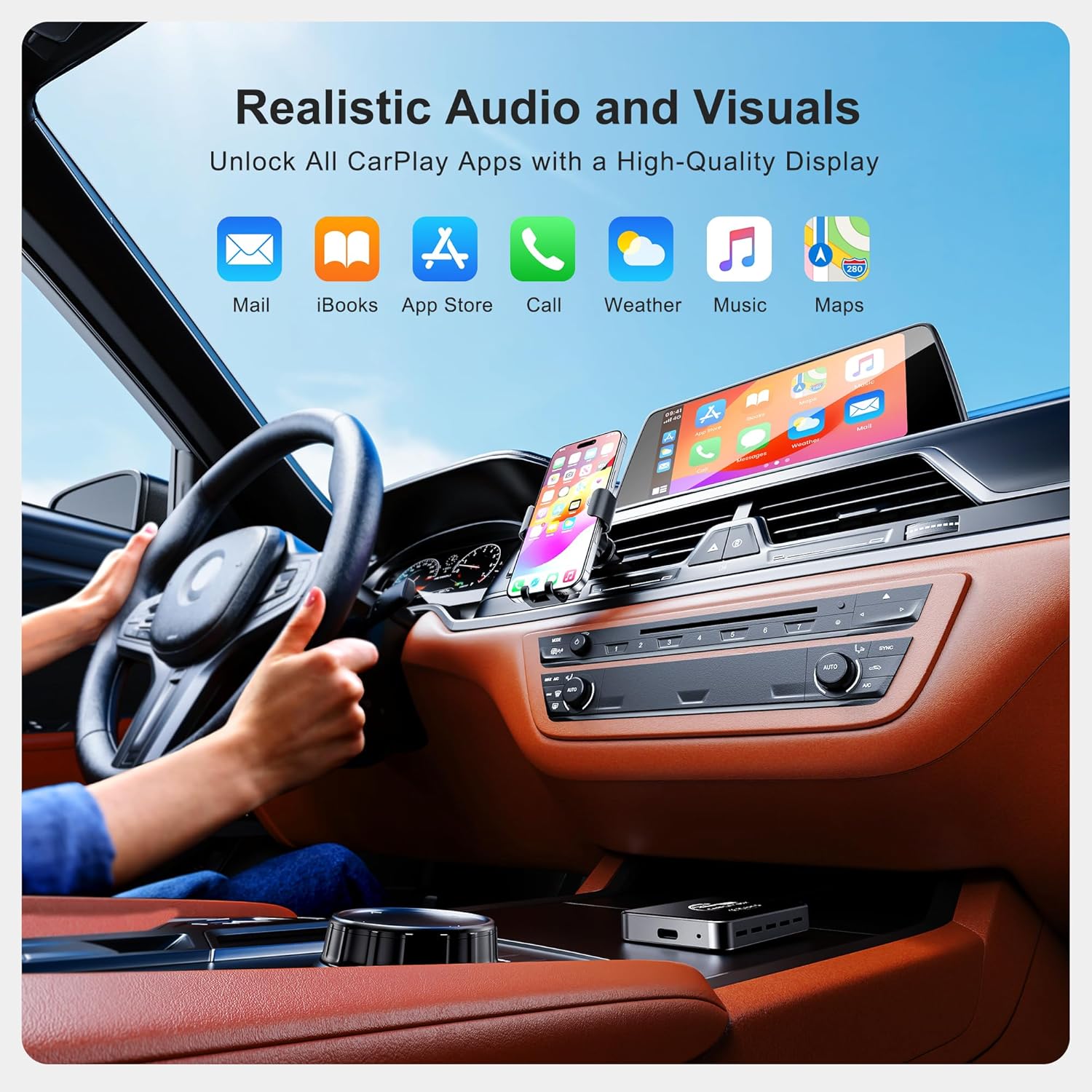
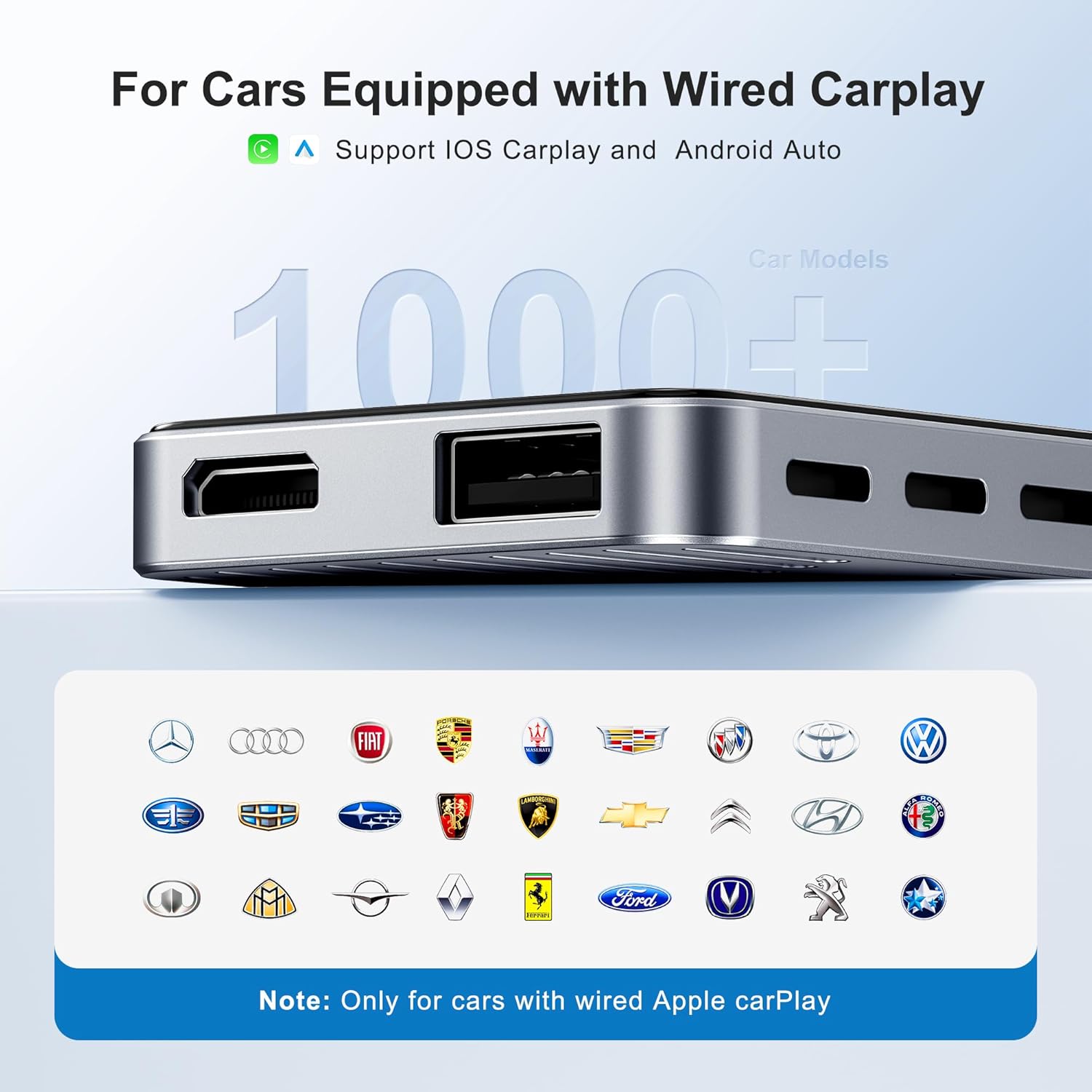
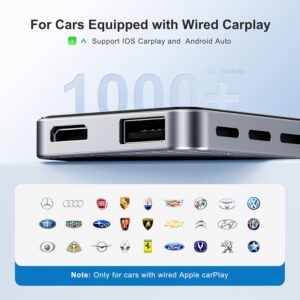
Wide Compatibility CarPlay AI Box – Plug & Play:This carplay AI box is compatible with most factory wired CarPlay vehicles.A reliable wireless carplay adapter solution for users who want video, navigation, and wireless freedom in one compact box.
8 reviews for AI Box Wireless CarPlay & Auto Adapter – Plug & Play, Dual-Band WiFi, Bluetooth 5.0, 4K Video Support, Android 12.0 System, Compatible with Factory CarPlay & Android Auto (4GB RAM+32GB ROM)
Add a review
Related products

Electronics
- SAR: ﷼15.00
- PKR: ₨ 1,114.16
- AED: AED14.69


Electronics
- SAR: ﷼675.03
- PKR: ₨ 50,134.42
- AED: AED661.09


- SAR: ﷼97.47
- PKR: ₨ 7,239.25
- AED: AED95.46


- SAR: ﷼93.72
- PKR: ₨ 6,960.71
- AED: AED91.79


- SAR: ﷼299.99
- PKR: ₨ 22,280.42
- AED: AED293.80


- SAR: ﷼337.50
- PKR: ₨ 25,065.82
- AED: AED330.52


Electronics
- SAR: ﷼149.98
- PKR: ₨ 11,138.81
- AED: AED146.88


- SAR: ﷼63.72
- PKR: ₨ 4,732.39
- AED: AED62.40
mikep –
Great little device
So i bought this for my 2024 kia k4. It had alot of good reviews so I wanted to give it a chance. I’ve been using it everytime I’m in the car and it works everytime I get in the car. What i don’t like about it is that it stays on with my usb-c port in my car and when I get close to my car it will connect to it so I always need to unplug when I get out the car. It isn’t because of the device though its just my car. It does start up very fast and come with a couple of apps on it and you can go to the play store and download more apps for it. You do need to make your phone a Hotspot to be able to connect to it though to use the apps that are already on it. It is a little slow if you open up netflix but not enough to really complain about and when it starts playing the videos there is zero issues. There are some little things that you have to get used to, for example if I am using this to watch something I lose control of the car connection to my phone so if someone calls I would have to switch to another app to be able to take the call. You can just switch out modes and I can connect back to my android auto in like seconds so its not a deal breaker for me. I have a big screen in my car and it does fill the entire screen with whatever I am playing. I mainly use it for screen mirroring and it connects super fast and I can just play whatever on my phone and it shows up on the car screen. I do have a samsung phone so I don’t know how it works with apple devices. There wasn’t much info about the hdmi port that it has so I wrote the company and the hdmi port is there for a output so if you didn’t have a screen in your car you can get one and use this box to output whatever to it. I thought it was a input but its a output.I am overall happy with it and after you fully understand everything it gets easier to use and you understand the little thing about it. I would definitely recommend this if your trying to watch stuff in your car.
G Grossberg –
Game changer for Android Users Without build in Android Auto
I recently got this wireless adapter for my car, the reason i bought it is because my car (Toyota sienna 2020) only supports Apple CarPlay, so I’ve been looking around for a solution to be able to connect an Android.I’m grateful I found this piece, as it is fulfilling what I have been looking for, with some additional benefits.Here’s what I love:Quick startup: It boots up in around 15 seconds, so by the time I’m settled in and ready to go.Wireless connection: My phone connects automatically via Bluetooth, its much easier than connecting via a wire.Super easy to set up: Literally just plug it in, follow a the prompts on the screen and it’s ready to use.Nice, clear screen: Everything looks sharp and runs smoothly, from navigation to music.Another great benefit, It comes with YouTube and Netflix built in, which I can watch right on the car screen (using it when not using the phone for navigation).Overall, it does exactly what I needed — gives me Android Auto wirelessly in a car that didn’t support it. No issues so far, and honestly, it’s made my daily drive a lot more enjoyable.
Reagan Koch –
Absolutely Transformed My Driving Experience!
I can’t say enough good things about the AI Box Wireless CarPlay & Auto Adapter — it completely upgraded my daily commute. I drive a 2021 vehicle with built-in CarPlay, and while I loved it, being tethered to a USB cable every time I got in the car was getting annoying. This device solved that beautifully.Right out of the box, setup was a breeze — literally plug and play. Within minutes, I had wireless CarPlay running smoothly. The dual-band WiFi makes the connection super fast and stable, and I haven’t experienced any noticeable lag. The Bluetooth 5.0 connection is solid, and calls and music come through crystal clear.What surprised me most was how powerful this thing is — running on Android 12 with 4GB RAM and 32GB ROM, it’s basically a mini computer for your car. I’ve even used it to stream YouTube in 4K while parked during my lunch breaks. The interface is sleek and responsive, and it integrates seamlessly with my factory display.I travel a lot for work, and this little box has honestly made my car feel like a smart lounge. If you’re looking to make the most of your existing infotainment system without buying a new car or expensive head unit, this adapter is 100% worth it.
Watson –
Smooth, Fast, and Easy to Use!
I use Android and this adapter has been a game changer. Setup was super simple just plug and play and it connected right away without any issues. The dual-band Wifi and Bluetooth 5.0 keep everything running fast and stable, no lag at all when switching between apps or streaming.I love that it supports 4K video, so watching something while parked looks super clear and smooth. The Android 12 system makes it feel modern and responsive, not clunky like other adapters I’ve tried. Works perfectly with my factory setup.Definitely worth it if you want wireless CarPlay or Android Auto without the hassle.
Laurie Endicott –
Instant Wireless CarPlay & Android Auto — Seamless, Fast, and Perfect for My Car!
Absolutely fantastic product! The AI Box Wireless CarPlay & Auto Adapter has completely transformed my driving experience. Setting it up was a breeze—plug and play, just as advertised. The dual-band WiFi ensures a stable connection, and Bluetooth 5.0 keeps everything running smoothly. I love that it supports 4K video, making my media playback crystal clear.The compatibility with factory CarPlay and Android Auto means I didn’t have to replace or upgrade my system. The Android 12.0 support and 4GB RAM + 32GB ROM provide smooth performance without any lag. It’s perfect for streaming music, navigation, and even video calls while on the go. Highly recommend for anyone wanting a seamless wireless upgrade for their car’s infotainment system!
Pablo quezada –
Mal producto, no es compatible con mi auto a pesar de que indica qué si, no vale la pena qué lo compres por que si quieres devolverlo te cuesta más la devolución qué el producto y el proveedor deveria ser quien se haga cargo de ese costo por no cumplir con los esperado y descrito en el mismo producto.
Mariano –
Le pongo 4 estrellas debido a que el envío fue lento, aprox. 18 días para entrega, de ahí en fuera todo bien hasta ahora en un Toyota Yaris 2025. El equipo es estable, se conecta sin mayor problema y cuenta con una imagen nítida, con excelente definición. Anteriormente tenia otro adaptador pero la imagen no era tan buena y frecuentemente se interrumpía la señal. Se me presentaron un par de detalles, por lo menos en mi caso: 1) A veces la App integrada para CarPlay no se abría de forma automática al encender el equipo, había que seleccionarla de forma manual en la interfaz Android. Esto lo resolví entrando en el icono de “Preparar” que aparece brevemente al iniciar manualmente esta aplicación. Ahí viene una opción para inicio en automático de la App, la cual hay que activar. Debido a que aparece brevemente, en ocasiones es necesario repetir el proceso hasta poder mover el switch o toggle correspondiente a ON. 2) La playlist en curso no se iniciaba de forma automática, había que oprimir Play en la pantalla cada vez. Esto lo resolví agregando un Atajo con automatización en el iOS de mi teléfono para que cada vez que se conecte al CarPlay comience a tocar la musica.
Ana Maria Consuegra –
No sirve, sólo prenden focos de colores pero no se conecta a ningún dispositivo, es una mentira y devolverlo para el reembolso es más difícil que encontrar una aguja en un pajar… además de que el envío corre por tu cuenta… pésimo servicio