



Price: $109.99
(as of Jan 22, 2026 08:32:17 UTC – Details)
Product description
Remote Control Door Lock

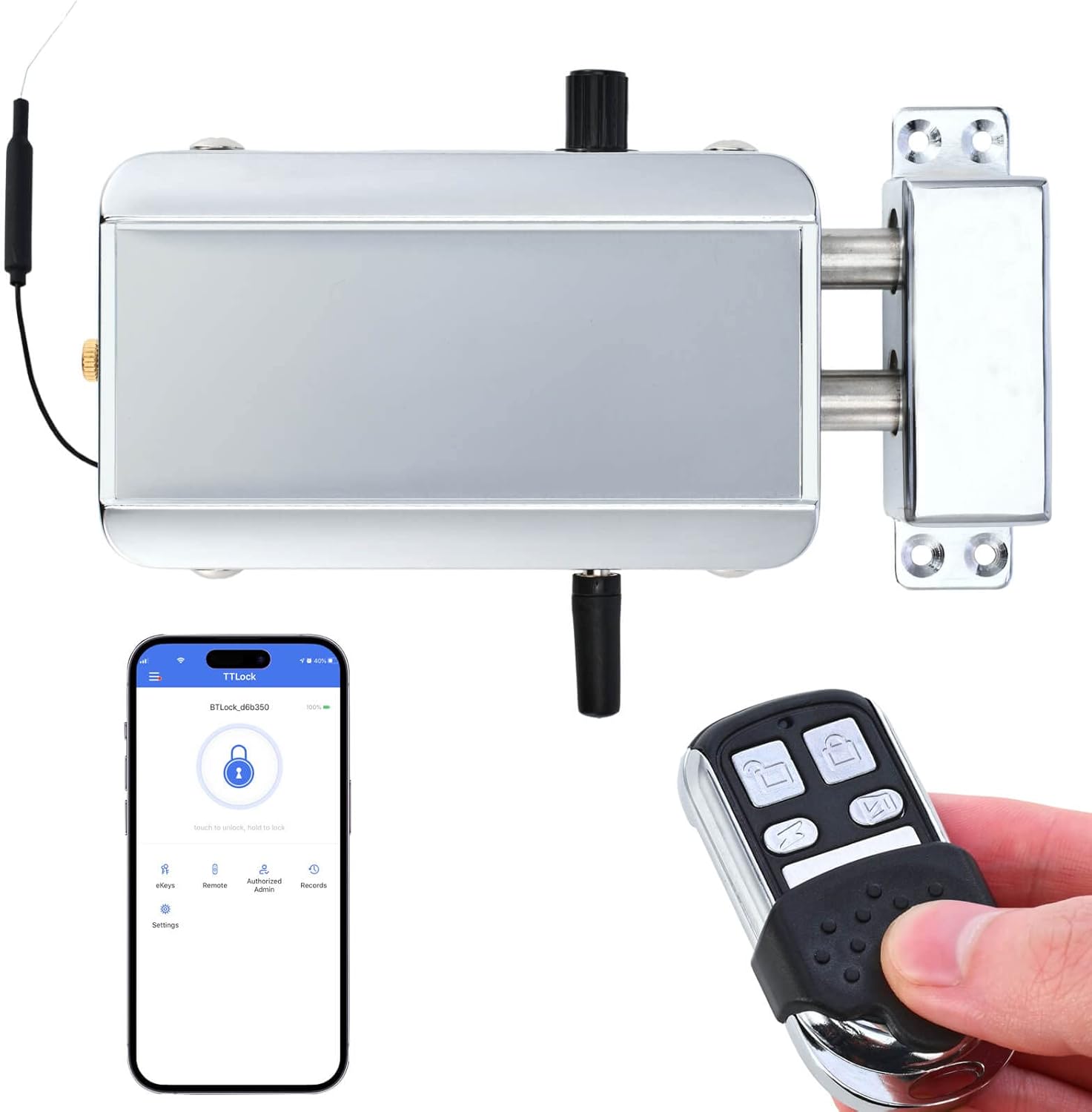
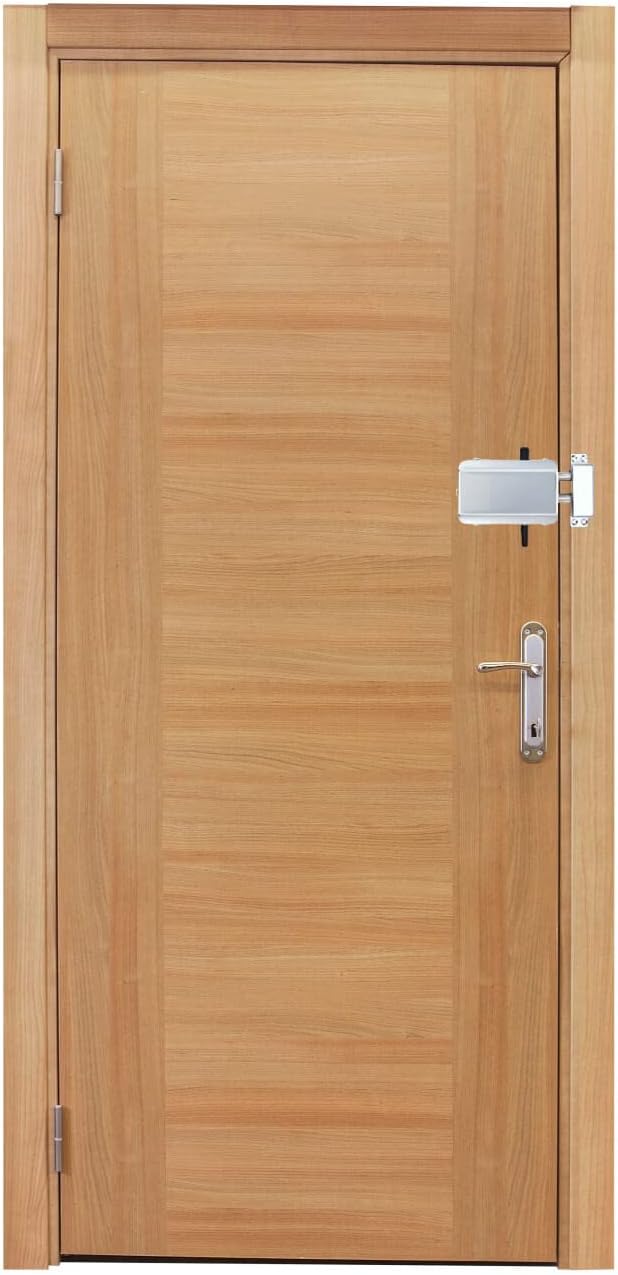
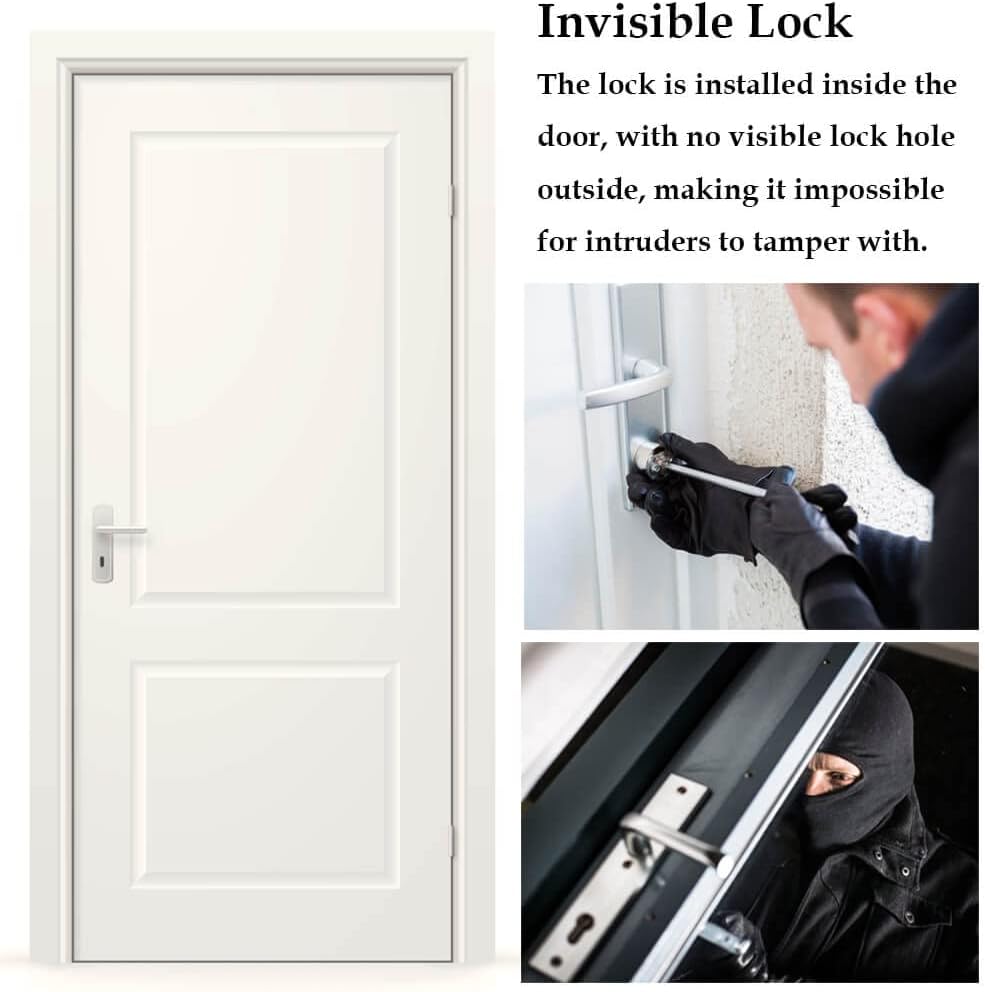
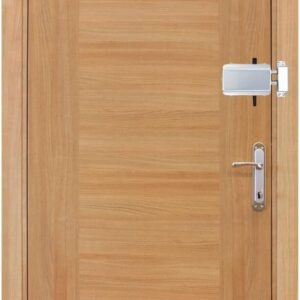
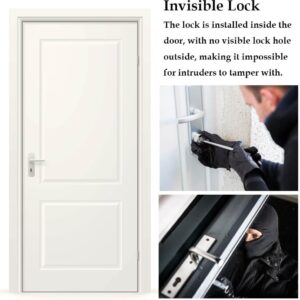
Invisible lock, installed inside the door without any visible lock hole outside. Intruders are unable to tamper with it since the lock is concealed and hidden from view.
4 Unlock Methods

Remote Control
The package contains 4 remote controls; it is used for quick and easy unlocking. You can keep one in your office or car to prevent the remote control from being lost.

Smartphone App
You can lock/unlock the door by simply a click in an App. You can also authorize other smart phones to unlock the device.

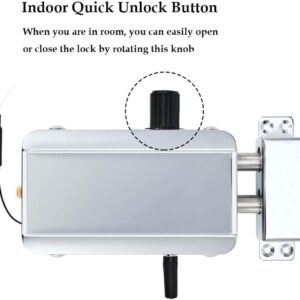
Quick Unlock Knob
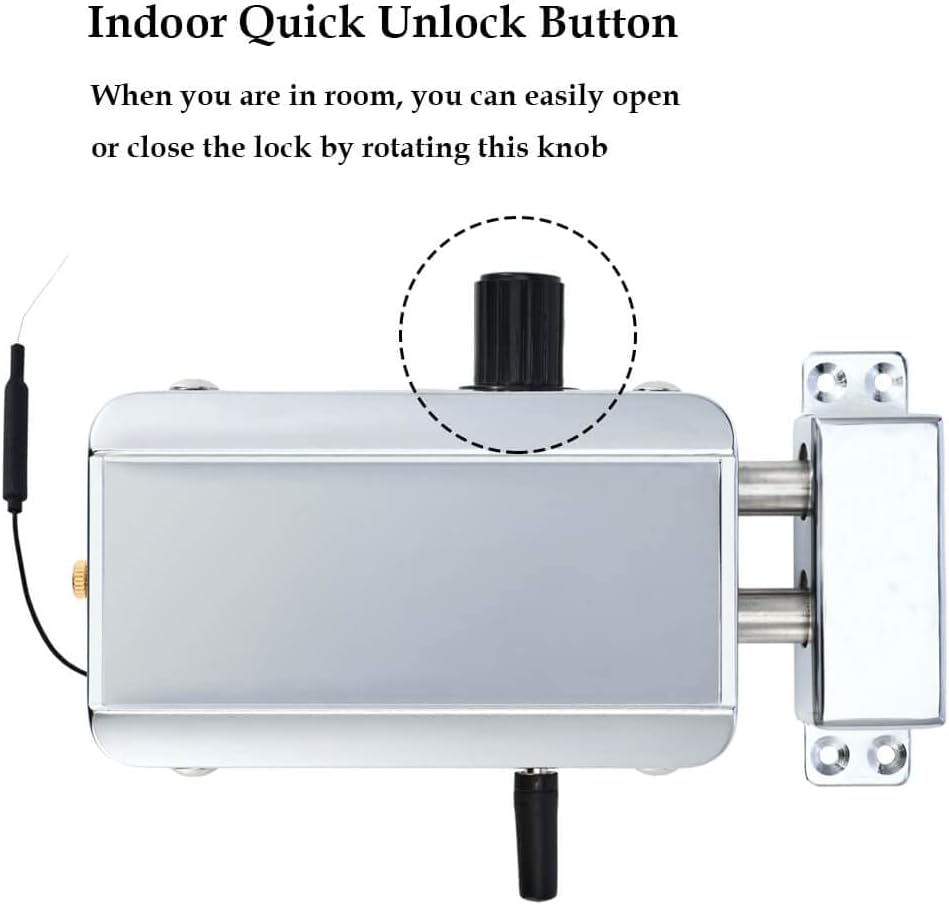
There is a quick unlock knob at the top of the device. When you are indoors, you can rotate this knob to quickly lock/unlock the device.

Emergency Measure
When installing the lock, remember the position of this screw on the door. In the extreme case where all remote controls are lost, you can drill a small hole in the door and turn the screw to unlock it.

Remote Control
Specifications:
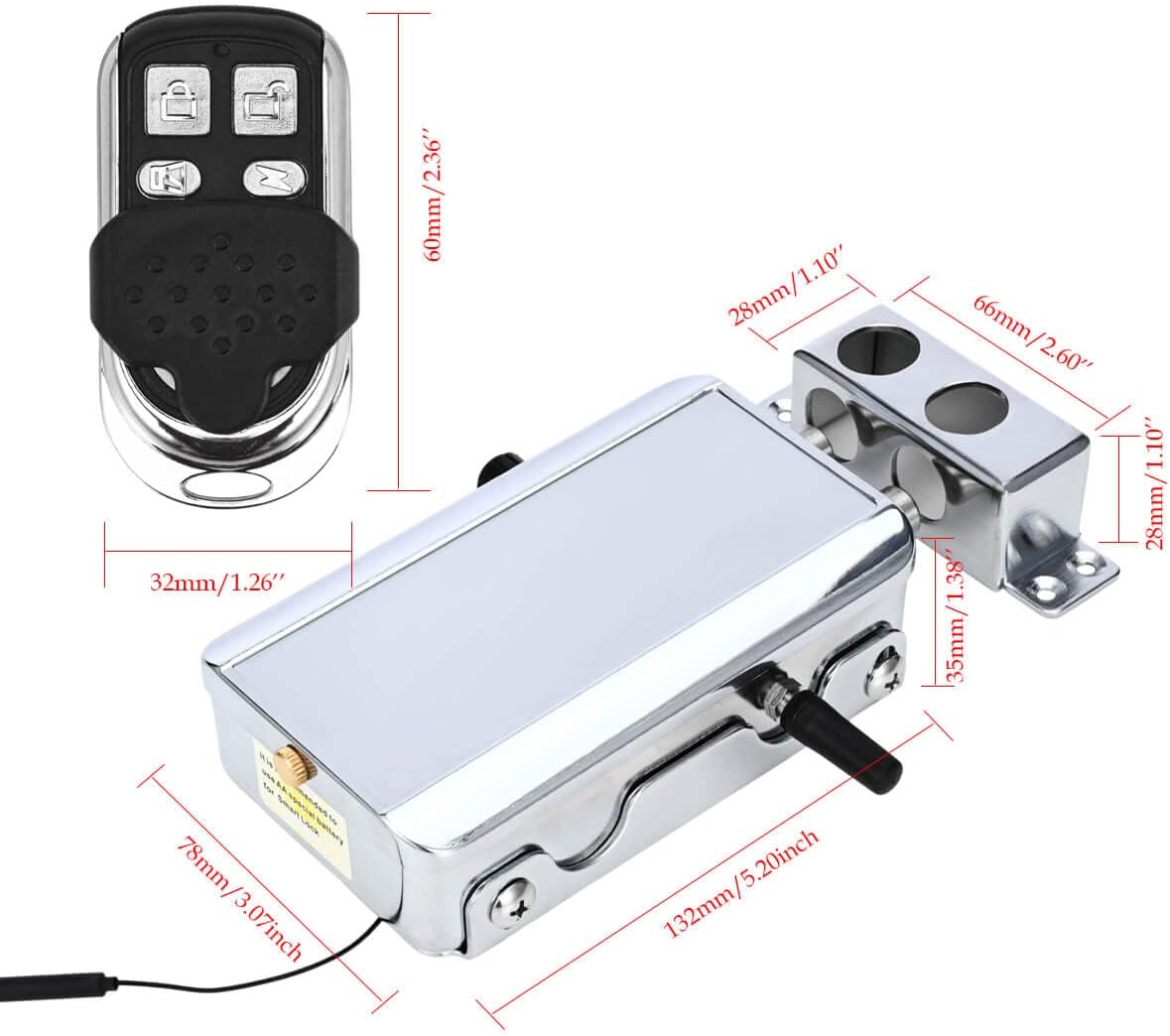
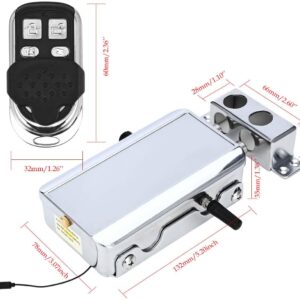
Dimensions: 60mm x 32mm (2.36 x 1.26 inch)
Remote Functions: Unlock, Lock
Standard Quantity: 4pcs include in package, can be increased to 32pcs max
Transmission Method: Rolling code signal to prevent duplication
Battery Type: CR2032 coin cell battery
Battery Life: Approximately 1 year

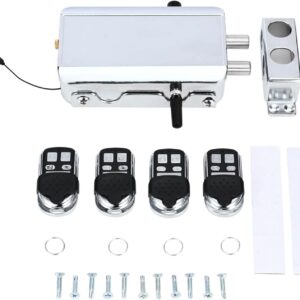
 Package Included
1 x Door Lock (AA batteries not included)
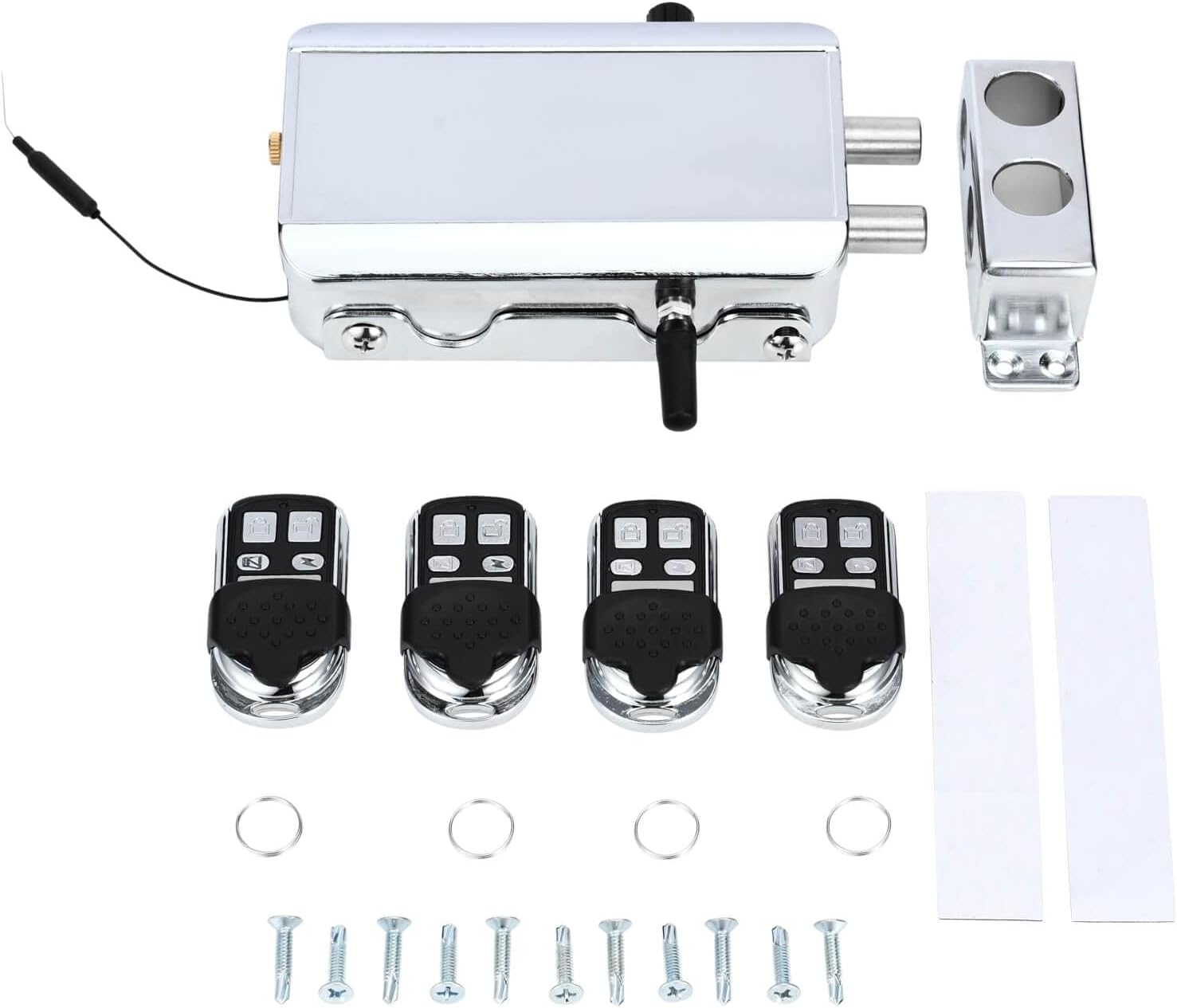
1 x Lock body bottom pinch plate
1 x Latch seat
4 x Remote control
1 x Instructions
1 x Screw pack
Specification
Type: Remote Control Door Lock
Material: Zinc Alloy Stainless Steel
Remote control distance: 10-30M (32FT-95FT)
Power supply: 4 AA batteries +1 backup battery 23A 12V (not included)
Long press the Bluetooth button to pair with smart phone App the first time
Battery life: 10 times used one day can last up to 12months
Dimensions: 132 x 78 x 35mm (5.20 x 3.07 x 1.38 inch)
Lock Weight: About 740g (1.64 pounds)
Designed life: 300,000 cycles

How to connect to App to control the lock?
Step1: Download and Install TTLock from App Store or Google Play Store, or you can also scan the QR code above to download TTLock.Step2: Registration and login: You can use your phone number or email to register the account. The verification code will be sent to your phone or email, and the registration will be successful after the verification.Step3: Open Bluetooth option in Phone Settings.Step4: Press “Add Lock” in TTLock, the App will search your lock automatically and you can add it then. If there is no lock shown in searching, you can long press the BT Reset Button until the blue light comes on.Step5: After the lock is added successfully, you can touch to lock/unlock, check records, change settings, etc.
Secure Your Home: The smart invisible lock provides high-security protection for your doors. With no visible lock hole, it’s virtually impossible for intruders to pick the lock.
Easy Access: You can use either the remote control or app on your smart phone to quickly and conveniently unlock the door. No more fumbling with keys or worrying about losing them.
Simplified Installation: Installing the lock is fast and easy. It can be easily installed without the need for professional assistance.
Durable and Reliable: The lock is made of high-quality zinc alloy stainless steel material that is built to last. It is resistant to rust, corrosion, and wear and tear.
Versatile Compatibility: The lock is compatible with most standard door sizes and can be used on both residential and commercial buildings. Whether you’re securing your home, office, warehouse or basement, this lock is the perfect solution.
9 reviews for Electronic Deadbolt Anti-Theft Smart Hidden Door Lock with Remote Control and Smartphone App Access
Add a review
Related products


- SAR: ﷼90.92
- PKR: ₨ 6,742.00
- AED: AED88.98


- SAR: ﷼19.70
- PKR: ₨ 1,460.81
- AED: AED19.28


- SAR: ﷼63.75
- PKR: ₨ 4,727.47
- AED: AED62.39


- SAR: ﷼337.69
- PKR: ₨ 25,039.72
- AED: AED330.48


- SAR: ﷼101.28
- PKR: ₨ 7,509.97
- AED: AED99.12


Electronics
Roku Streaming Stick HD 2025 — HD Streaming Device for TV with Roku Voice Remote, Free & Live TV
- SAR: ﷼107.62
- PKR: ₨ 7,980.21
- AED: AED105.32


- SAR: ﷼93.77
- PKR: ₨ 6,953.47
- AED: AED91.77
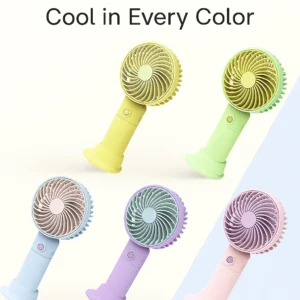
Electronics
Mini Handheld USB Fan – Colorful Rechargeable Portable Fan for Summer | Desk & Travel Use
- SAR: ﷼15.01
- PKR: ₨ 1,113.00
- AED: AED14.69
GH –
Works very well
This lock works very well. I have it mounted to the top of a very large metal framed wooden gate that incloses a private outside courtyard.To begin, choose the phone and phone # with email you would like to link an account. Then use that phone to log into app for the first time (fyi- there can only be one master admin account and if you use the same credentials to log into on another phone (like the wife’s), it logs out of the original phone that the account was signed into, in other words, you can’t have two phones sharing/account and both logged in at same time to same account.Download App, the TTLock (the QR code on lock and instructions link to a Chinese app- so that’s a bust!!) add your email/phone# and a passcode and verify account – good to go.Once you’ve registered/verified via email, your account is ready to “add a lock” you’ll need to press the button (see photo) to activate the Bluetooth signal. This button is next to the batteries. To find this button remove lock cover add batteries and press the Bluetooth button (see photo) so the App can find lock. You will see a blue light on inside of lock case GLOW and the lock will be listed in the app to choose and connect.The app has a cool function that sends an “ekey” to other users via text or an email, example: wife or kids, so they can use phone app instead of a remote to open the lock.Like the remotes the phone also must be close to activate lock and unlock. The Lock will not work remotely on wifi unless you sign up for subscription plan (starts at $6 a month) and also purchase a needed hub separately for complete package.For the app to add other users separately other than the admin user—- in app under settings – Lock Users-you can choose if it’s a timed- permanent or recurring user, add info and they will get a code to download, and log into app under their credentials.Only ONE additional user can be requested this way, unless you upgrade and subscribe to a plan that allows other users to be sent a code.This lock can work with wifi, Amazon Alexa and Google Home and would notify you in the app when someone unlocks or locks the lock, however, the downside is you have to UPGRADE to a fee based membership and it also requires a hub that works with your network- yes bummer!!!Might want to also add: in the app under the “Customer Service” tab is a link to the user manual of lock, with some good info there.Overall is serves it’s purpose for me, allowing pool service and house manager able to enter through a closed courtyard gate at a vacation home, without me being home. I also have 2 extra remotes because my wife uses the app as an additional user.
Camilo D –
Perfect item
Easy to install works perfect for locking hidden doors
Omar –
Works great
I purchased this lock, the first one arrived and didn’t work, I spoke to an Amazon agent who had it replaced and the second unit worked great. Installed it into my 20′ trailer on the inside to make it extra secure. Had it for a month and so far so good. Super easy to use with the remote.
Peter –
Good luck, but one small caveat
I like a this Lock a lot, I use it every day if you put lithium AAs in it, it lasts much longer. There’s one small thing that I didn’t like if it’s the primary lock and the door puts pressure on the solenoid bars when it tries to attract it won’t you have to have no pressure on the solenoid bars otherwise they will bind and it won’t unlock. once you release pressure you can do it again and it’ll unlock. I’d like to see a stronger solenoid that will be able to pull those slugs out of the retaining mount even under pressure, but besides that it’s a solid lock
joshb –
Does not work in vertical postion. Horrible smart app integration.
After painfully setting up the app and gateway, which is difficult as no where is the 3rd hidden described as the Bluetooth pairing button, but without pressing that button, the locked is discoverable but will not pair. Then you discover that certain features of the app require a $62 paid subscription to use, where you must sending credit card data to some unknown website. But I am used to poor inaccurate instructions from this typical cheap, poorly thought out Chinese manufacturers. If only they would hire a native English speaker to actually test this stuff and show them how to write even simple instructions If you get past all that and everything test out and works and decide to install it, you will unfortunately discover that this device only works in the horizontal position. If you install it in the vertical position after it unlocks, it will fall back closed and lock itself. Now I have holes in my door and wall as I did not test it in the vertical position when I was testing the smart features.
PapaPukky –
Got this for my hidden door
I have this secret room in my house and I’ve been trying to find a great cool way to have a hidden lock system and I saw this and just had to buy it. I’m so glad I did. It is so easy. It comes with drill bit and screw driver bit so all you need is screw gun. Super easy to install. Just need four AA batteries. The remotes have batteries already and are pre programmed with the lock so it’s no set up to worry about. I tested it several times and works terrific
Fernando S. –
Exelecte funciono de lo mejor , buena Calidad
Exelecte funciono de lo mejor , buena Calidad
s t –
St
These works perfect ii would buy again if one were to stop working
Mark C. –
I used for a gate that opens out from our property to a public alleyway , so for me it was a perfect fit as i wanted to keep the gate as concealed as possible with nign of any locks or handles on the outside. It also allows me to issue digital keys via the app which is great as not only can i monitor who used it last if theres a problem & kids always seem to loose physical items but never their phones. Mine is fitted ouside and although has a cover im not sure how it will perform in winter but so far so good.