







Price: $118.89 - $108.95
(as of Jan 18, 2026 15:31:38 UTC – Details)
From the brand


Welcome to Ophayapen official!
Ophayapen have been specializing in research and manufacturer smart pen for years.
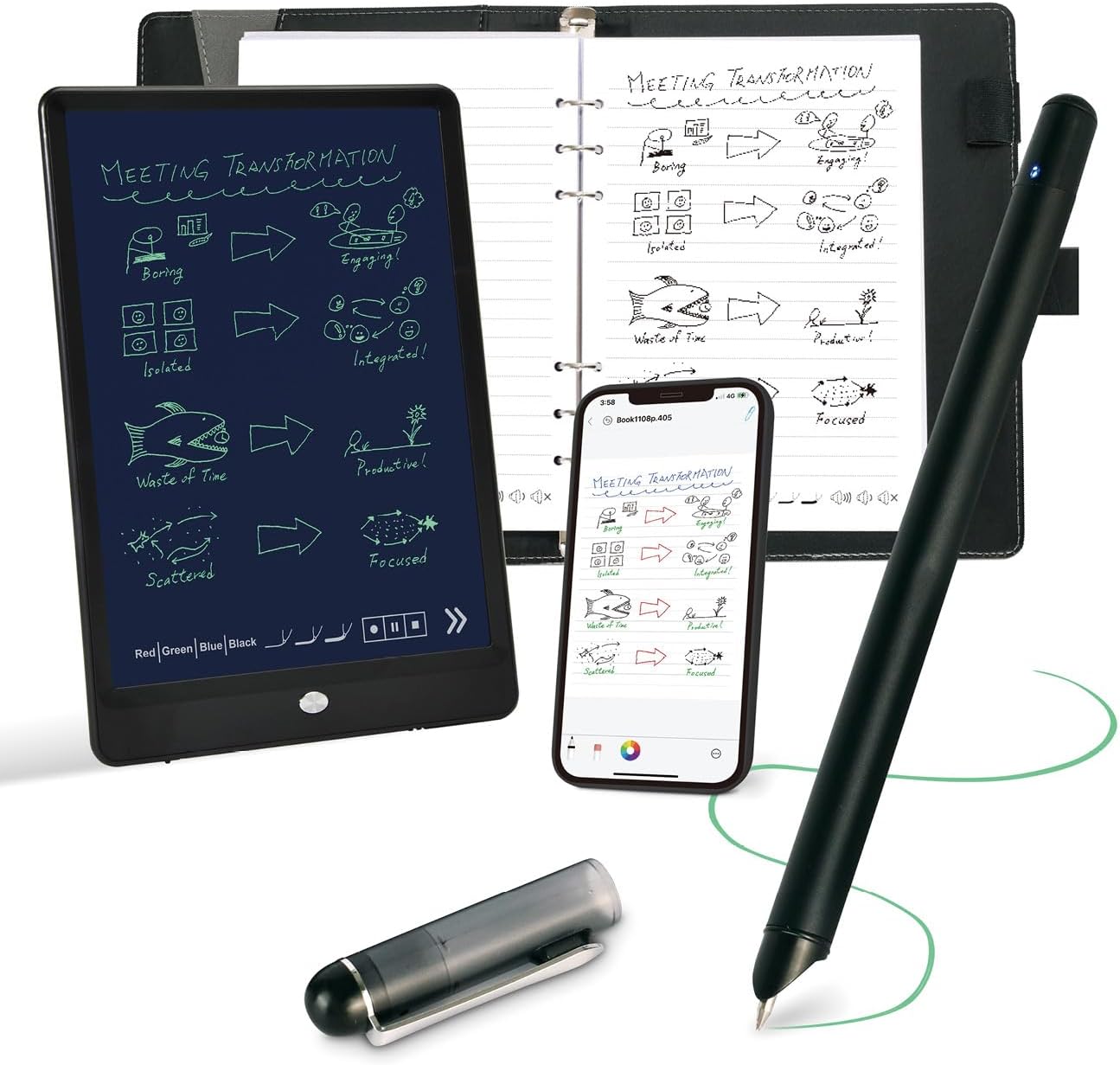
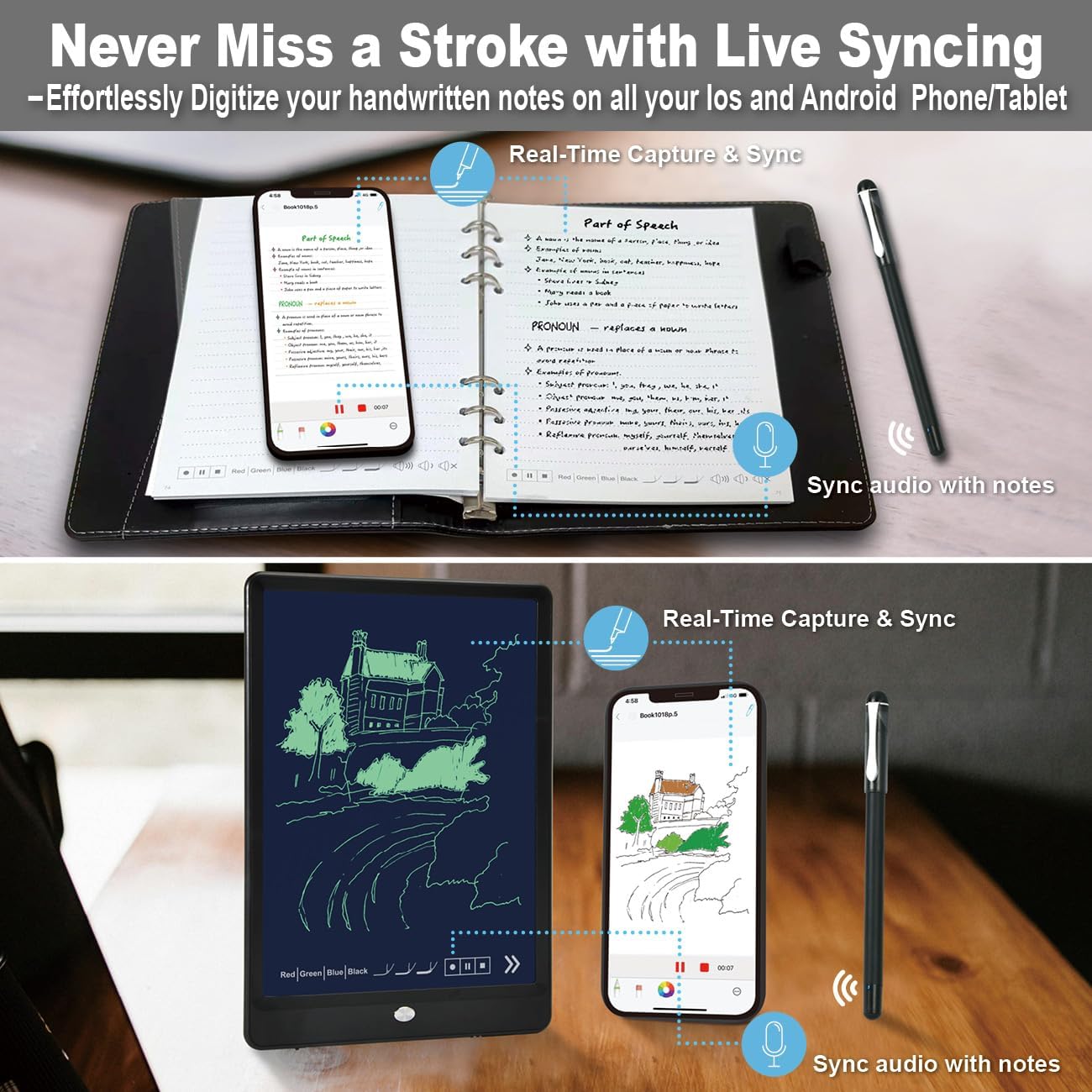
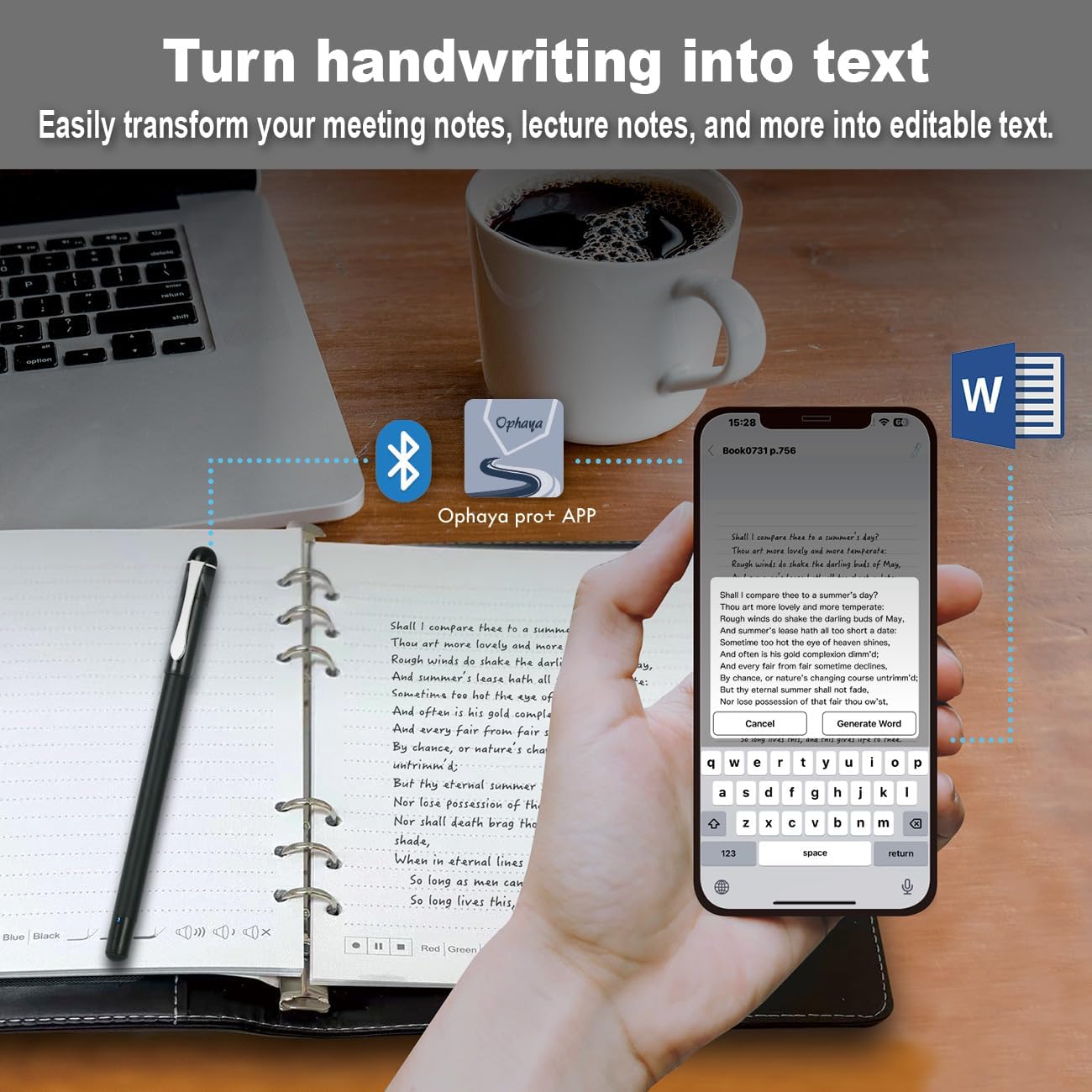
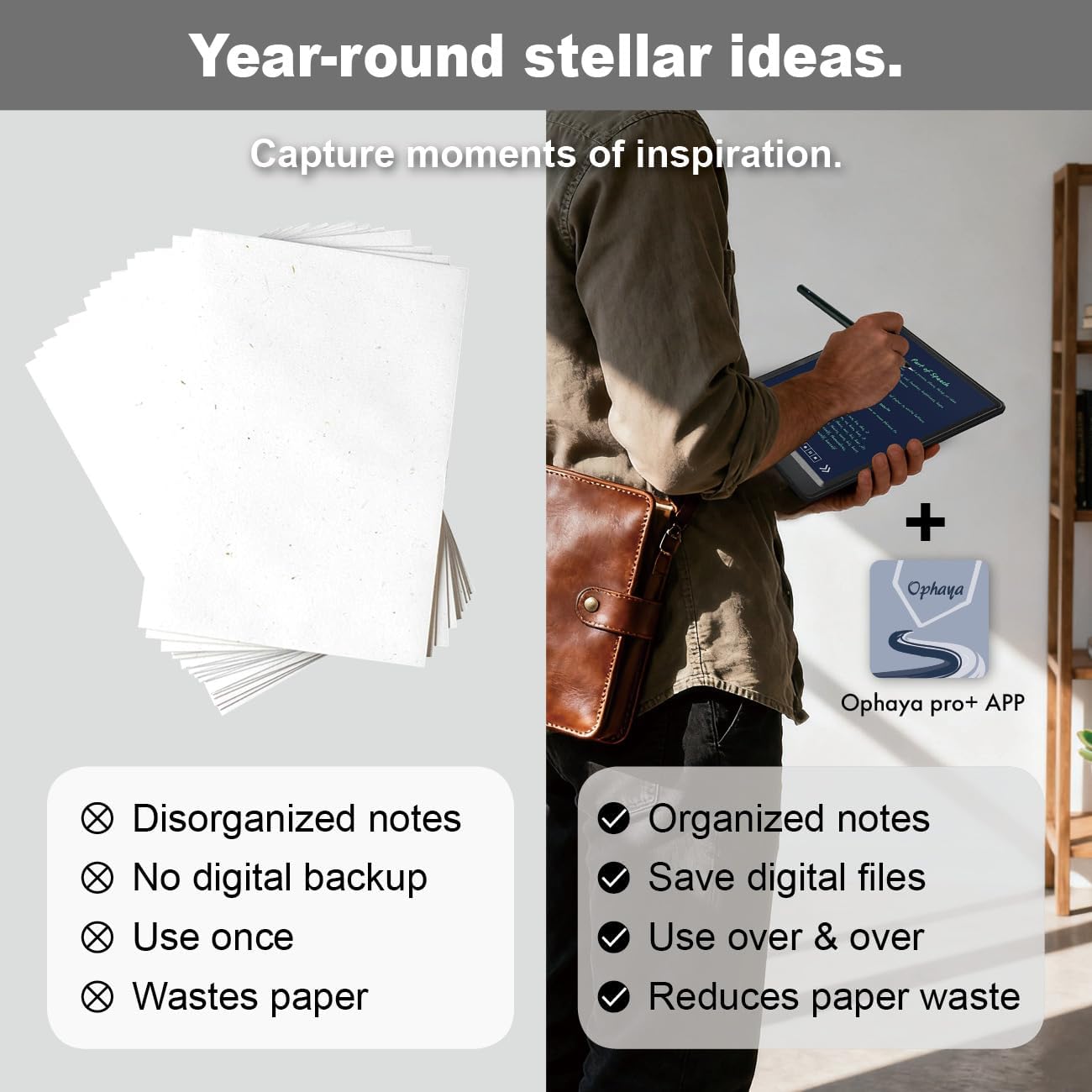
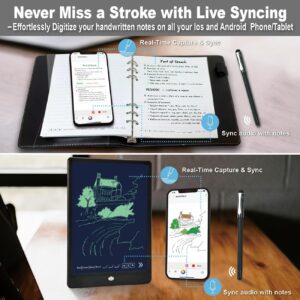
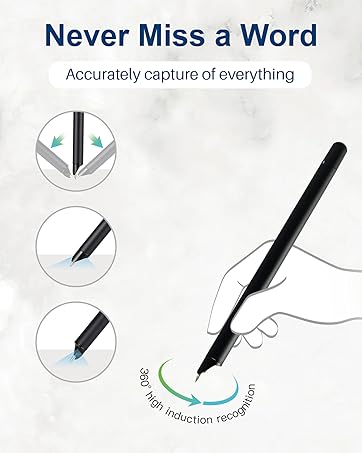
The Smart Pen Set integrates traditional writing with digital, captures handwritten notes on specialized paper or board, instantly syncing them via Bluetooth to the Ophaya pro+ App on smartphones.
Convert ideas into editable digital formats, organize notes, and share across App. Ideal for students and professionals.
Four Smart pen Combo Packages
Replacement-Paper/Pen Refills

Smartpen+Notebook+Board Set
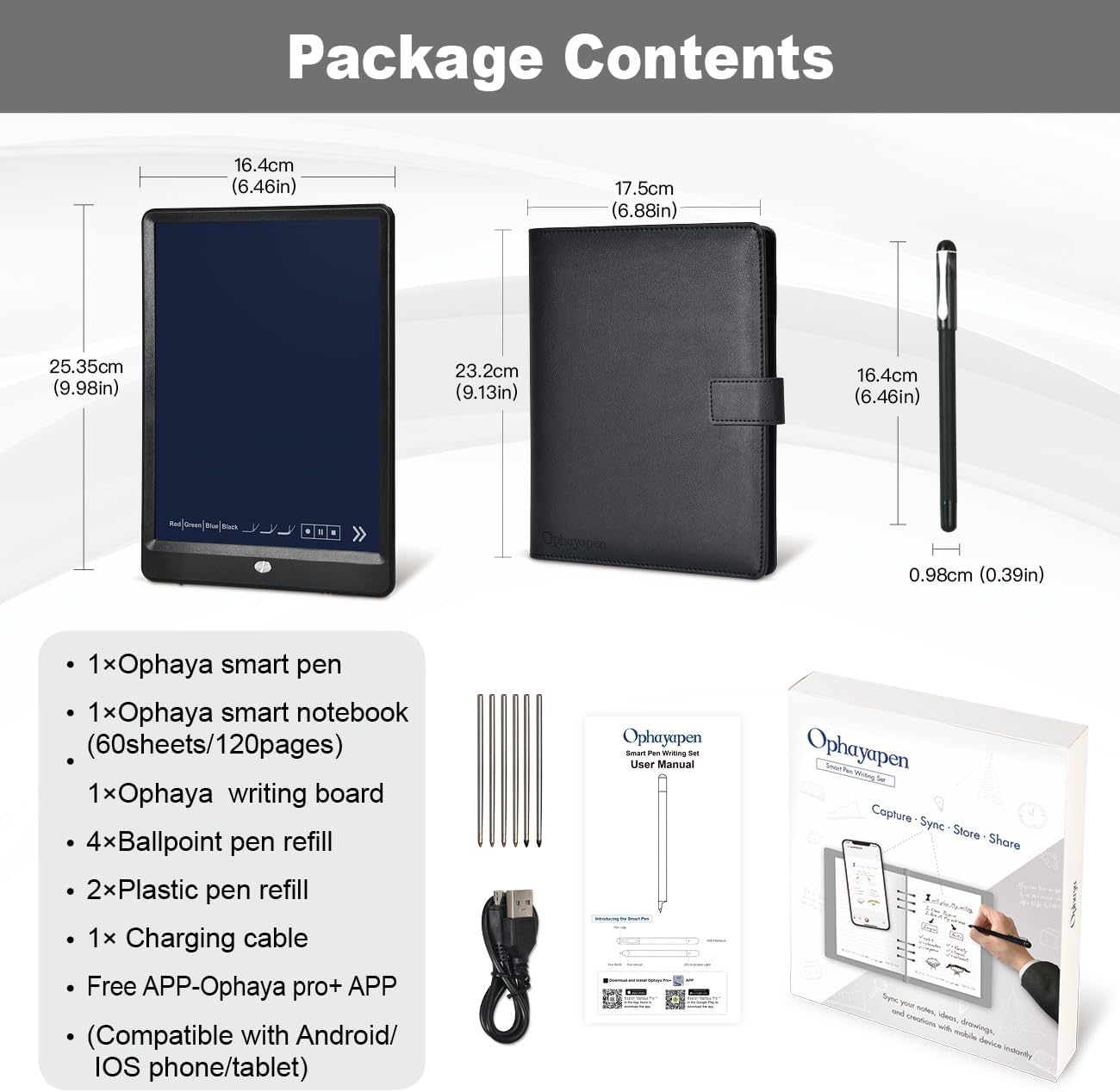
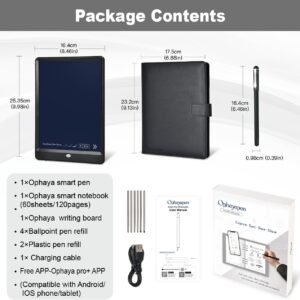
What’s in the box1x smart pen, 1x A5 dot-code notebook(60sheets), 1x writing board, 4x ballpoint refills, 2x plastic Pen Nib, 1x charge cable, 1 x manual

Smartpen+WritingBoard Set
What’s in the box1x smart pen, 1x writing board, 2x plastic Pen Nib, 1x charge Cable, 1x manual

Smart Pen + Mini Notebook Set
What’s in the box1x smart pen, 1x Mini Notebook, 2 x ballpoint refills,1x charge Cable, 1 x manual

Special Paper Notebook
The smartpen connects to the app to digitally capture your writing on Paper Notebook.

Special Writing board
The smartpen connects to the app to digitally capture your writing on the writing board.

Replacement paper refill
The smart pen+notebook+board set includes a PU notebook with 60 sheets of special paper refill. Once the inner paper is used up, you can purchase replacement refills at our amaozn ophayapen store (Note: Ophayapen smart pens are only compatible with Ophayapen-branded paper)

Replacement pen refill
The set includes 6 pen refills. Once the pen refill is used up, you can purchase replacement refills at our amaozn ophayapen store (Note: Ophayapen smart pens are only compatible with Ophaya-branded pen refill).
Is it possible to operate the described functions on the writing board?
No, the writing board is just an alternative to paper writing tool, you should use the smart pen Bluetooth connect to the APP, and the content what you write on the writing board will be synchronized to the APP, and then all the functions need to be operated on the APP.
Is there a fee for the APP?
Hello, no need, APP is free!
Can this smart pen be used with any paper or other product?
Only support any Ophayapen branded products
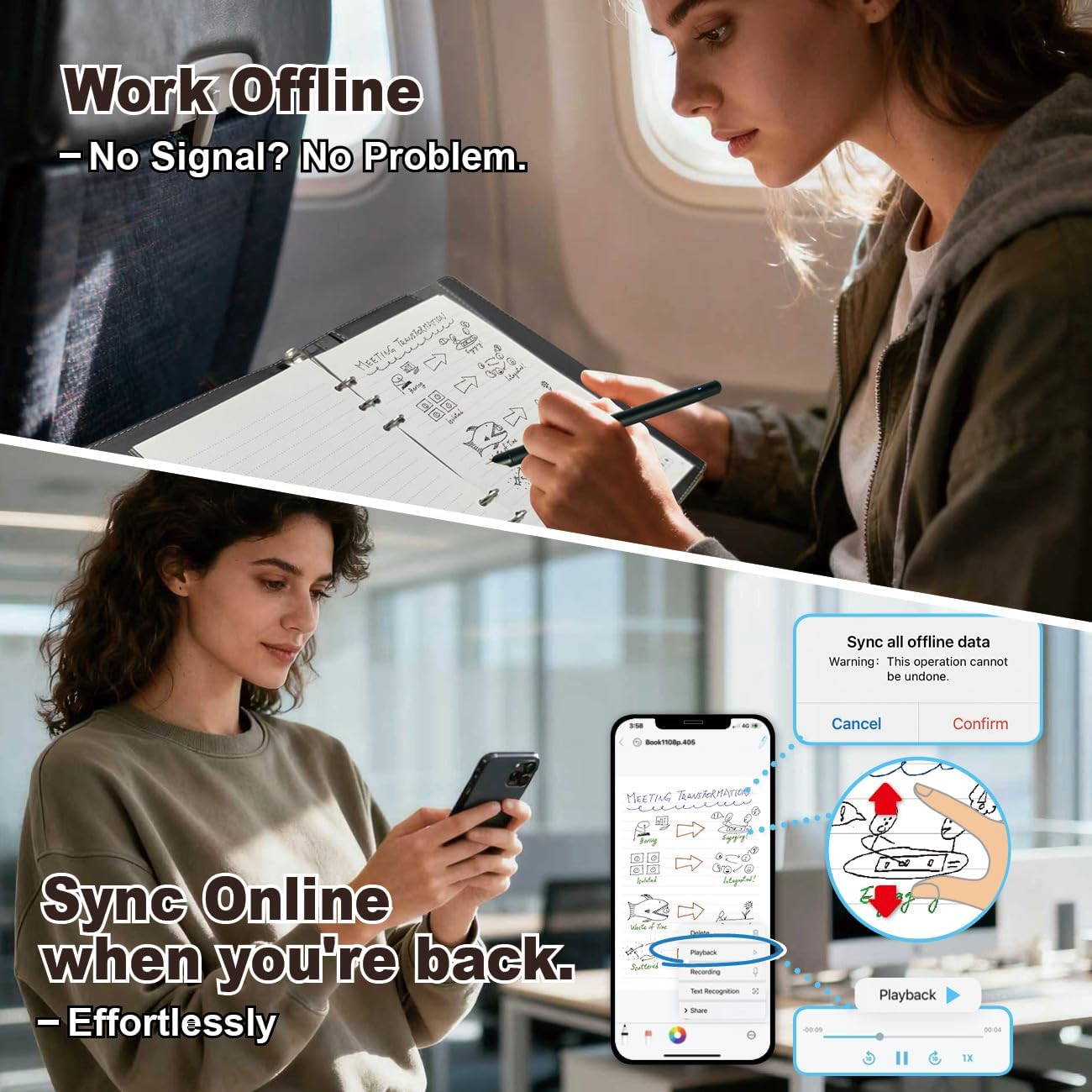
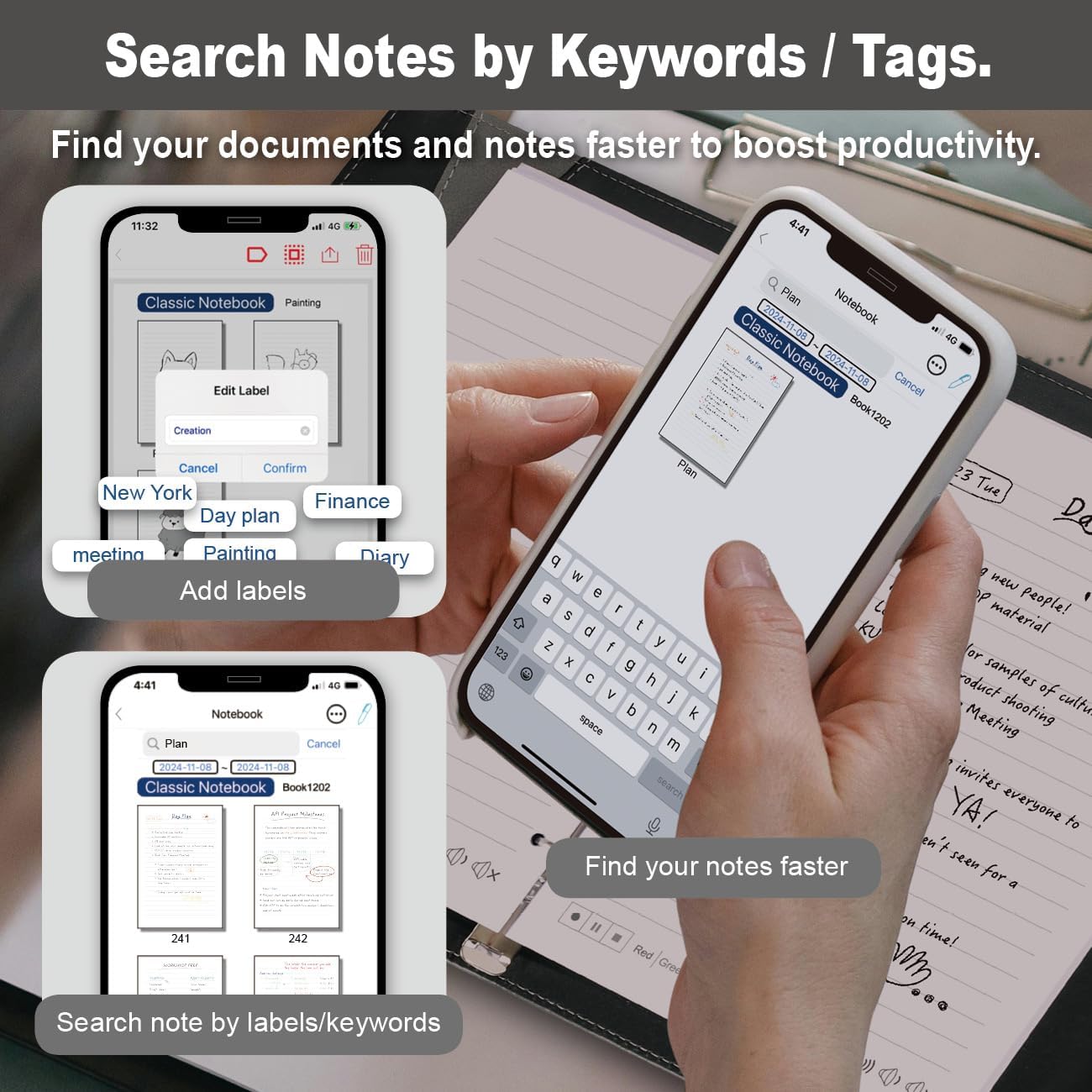
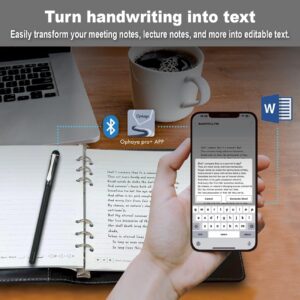
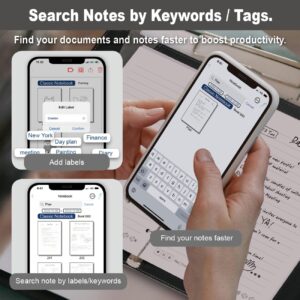
[All-in-One Kit with Instant Mobile Sync] Your paper ro writing board, now with a digital twin. This smart pen note-taking set—featuring a smartpen, writing board paper notebook, and app—acts as a magic bridge. It gives you the tactile pleasure of writing on real paper, with the added power of having a digital copy for easy saving, sharing, and searching on APP(Compatible Ios/Android phone/tablet) . Note: App is not compatible with computers and smartPen requires Ophaya paper.[Smart Text Conversion & Searchable Notes] Easily convert handwritten notes into editable digital text (Word docs) with OCR technology. Quickly find specific content using keywords, tags, or timestamps for effortless organization and retrieval.[Audio-Synced Notes for Recall] Never miss a detail. Record audio while you write, and the app intelligently links your notes to the recording. Simply tap on a word to jump to the exact moment in the audio it was written, providing invaluable context for lectures and meetings.[Uninterrupted Offline Use ] Keep writing without interruption, even offline. Notes save automatically and sync to the app once reconnected, ensuring crucial information is always preserved and backed up[Versatile Export & Combined Sharing] Effortlessly share your work in multiple formats (PDF, Word, PNG, GIF, MP4). A key advantage is the ability to combine multiple pages into a single PDF or image file before sharing。【What’s in the box】 1x Smart pen, 1x Black Notebook (60 sheets), 4x Ballpoint Refills, 2x Plastic Pen Nib, 1x Charging Cable
8 reviews for Smart Pen for Note Taking Set Real-Time Paper-to-Digital, Smart Digital Notebook with Pen for Meeting Class Creation, Convert to Text, Store, and Share Your Handwritten Notes via App(iOS/Android)
Add a review
Related products


- SAR: ﷼262.50
- PKR: ₨ 19,495.02
- AED: AED257.05


Electronics
- SAR: ﷼675.07
- PKR: ₨ 50,134.42
- AED: AED661.03

Electronics
Mini Handheld USB Fan – Colorful Rechargeable Portable Fan for Summer | Desk & Travel Use
- SAR: ﷼15.00
- PKR: ₨ 1,114.16
- AED: AED14.69


- SAR: ﷼206.25
- PKR: ₨ 15,316.92
- AED: AED201.96


- SAR: ﷼63.72
- PKR: ₨ 4,732.39
- AED: AED62.40


- SAR: ﷼134.98
- PKR: ₨ 10,024.65
- AED: AED132.18


- SAR: ﷼37.47
- PKR: ₨ 2,782.61
- AED: AED36.69


- SAR: ﷼90.88
- PKR: ₨ 6,749.02
- AED: AED88.99
Chenchen –
Perfect for Digital note taking
This smart pen set is amazing! It feels just like writing on real paper, but everything syncs instantly to my phone. The handwriting conversion and audio sync features work great, and setup was super easy. Perfect for meetings, classes, or journaling.
Do not buy form supplier. Plants are 8 to 12 inches. Plants are small and look sick. –
Overall good product. This one is worth the money.
I love this product. Perfect for office use. Great value and easy to use. Best thing about the product is you can use the tablet offline.If you are a busy executive, note taker, or busy person, this is a great tool!
dsk –
Works Beautifully with 2025 Motorola Razr
After my beloved (but old,) Note 10+ bit the dust, I decided that I was not going to pay $1500 for another phone (I’ll die on this particular hill). I’ve owned Note phones since their inception over 20 years ago.I know that Motorola makes a note capable phone, but the Razr form factor intrigued me. I decided to buy a 2025 Razr. I ended up really loving the phone, but it comes with 2 shortcomings:1. It has no micro SD card slot2. It has no note taking capacityThe second hill I will die on is that I absolutely WILL NOT pay for cloud storage.I solved #1 by buying a small USB C micro SD card reader for $7 for my 1 TB card that was in the Note 10. I had to solve #2, the capacity to take notes.I’m a luthier, I build acoustic guitars and I repair stringed instruments. I always have my phone on me while I’m my shop. I refer to the notes as I do repairs and building, and I take notes as I’m working.I tried an active rechargeable stylus, but it didn’t work well at all with the Razr, so I decided to try to find a writing tablet with smart pen that would transfer, in real time, my notes. I ran across a couple of smart pens, most were extremely expensive. This brand seemed to have the most promise.I downloaded the appropriate app from the play store. The pen connected to the phone Bluetooth and synched with the program the minute I tapped the top of the pen. It took me a couple of tries before the notes appeared on the phone. It was my fault, because I had it in the wrong mode.The pen works flawlessly with the tablet and paper. You MUST use their paper (or tablet). The smart pen won’t transcribe to the phone when using regular paper.HOWEVER, You CAN USE THE TABLET STYLUS TIP, on the provided paper, and it will synch immediately to the phone.Why, you ask, would one want to do this? If you’re a slob like me, then you take notes which aren’t straight. It’s nice to have lined paper as a guide. Unless you want paper notes as a backup, there’s no need to use up the special paper just to take neater notes on the phone. I’ve not used the provided ink tip(s).I’ve tested all capabilities, and all work as described. There are built-in “ink” colors, but there’s a color wheel, so you have an infinite color pallet.The writing to text program in the app works amazingly well, better than the Note 10+. My handwriting is atrocious. It’s a combo of printing and cursive; even I have trouble deciphering it days later. The app did a more than respectable job at translating my written word to text. I had to correct 2 words out of 5 sentences. Not bad at all!The only criticism is as others have mentioned; the writing on the tablet is hard to see in low light. There’s no backlight and the tablet is black. In bright light, it’s easy to see. I found a simple solution. I bought an $8 rechargeable neck light.To sum up, the smart pen with tablet is a great buy; it works as advertised, it works on Android (vs 15), is a great value.
1jdh57 –
Does not stand out like it shows in the photos
Not really worth it.Can hardly see what you write on the tablet.Hope others had better luck.
Sissi –
Perfect Smart Pen for Work and Study!
I’m really impressed with this smart pen set. The connection between the pen, notebook, and app is super smooth—it captures my handwriting in real time and converts it to digital notes perfectly. It’s very useful for meetings and creative sketching.
Elizabeth Grace –
Great product
I got this for my daughter’s bday. She absolutely loves it. It works very well, was easy to set up. Quality is great, worth the money
Amazon Customer –
Great writing tool
Great tool that puts everything on your phone for easy access
Lavinia –
Very Convenient Smart Pen
This smart pen is super convenient and versatile. It can be used on three different surfaces — the included board, the notebook, and even regular B5 paper. The writing feels smooth, and the app can convert your handwritten notes into digital text, which is great for meetings or classes. It also allows you to store and share notes easily. The board is very light and easy to carry.The only small downside is that the board can only save one page at a time, but overall, it’s a very practical and well-designed product.